80
User Manual WMF1300S
Software | System
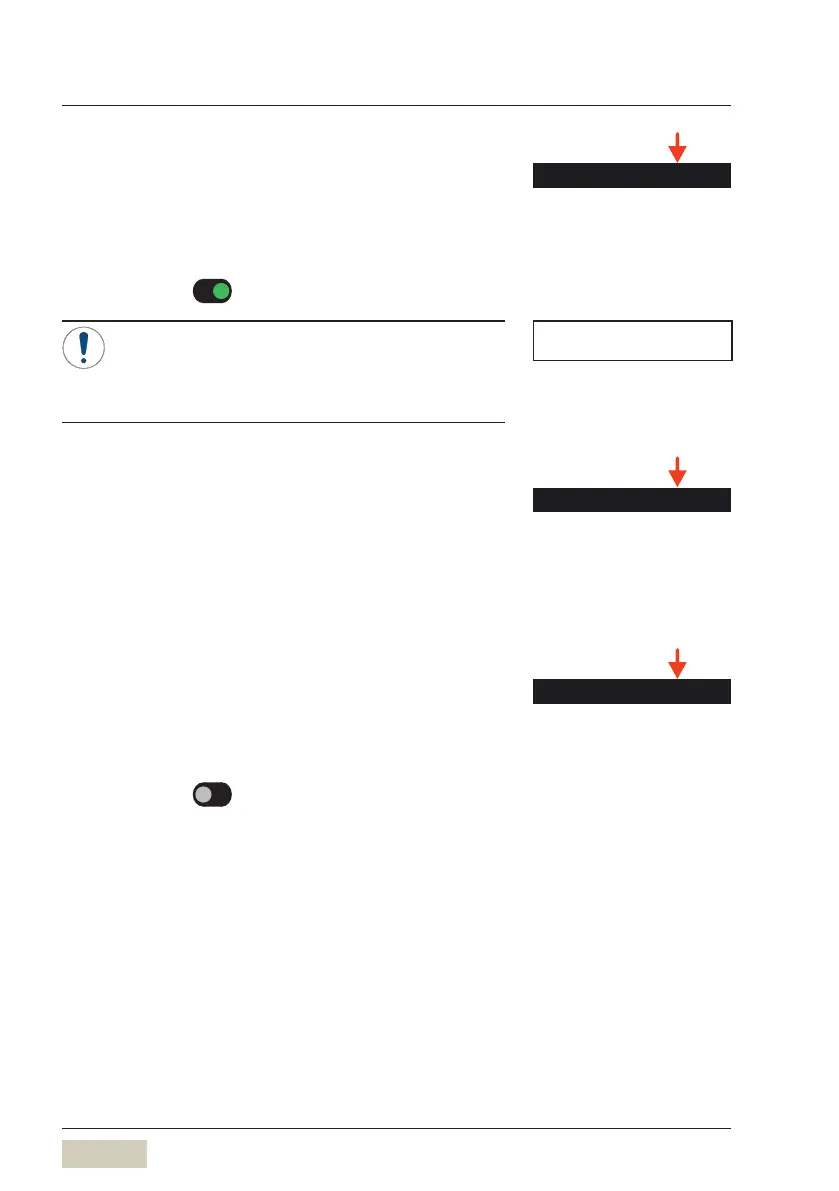
Drip tray sensor
The drip tray sensor monitors the fill level of the
driptray.
It prevents the drip tray from overflowing.
Options: • active
• inactive
Default value:
active
If the sensor is deactivated, the drip tray can
be overfilled and may run over. This may cause
damage to the furniture.
We recommending leaving the sensor activated.
Portioner
The names of the beans and powder types can be
saved here, and will be displayed for selection in the
“multifaceted” PostSelection mode, if the machine
is equipped with more than one grinder or adouble
powder hopper.
Bluetooth (optional)
The optional WMFBluetooth stick is required for this
function.
Options: • active
• inactive
Default value:
inactive
Set Bluetooth to active here
Remove the spout cover
Insert the WMFBluetooth stick in the USB slot
Switch the coffee machine off and on again
DS_03_11_00_11
Drip tray sensor
Drip tray sensor
w Operation
page 43
NOTE
Display mode
w page 63



 To Next Page