49
User Manual WMF1300S
Software | “Ready to operate” display
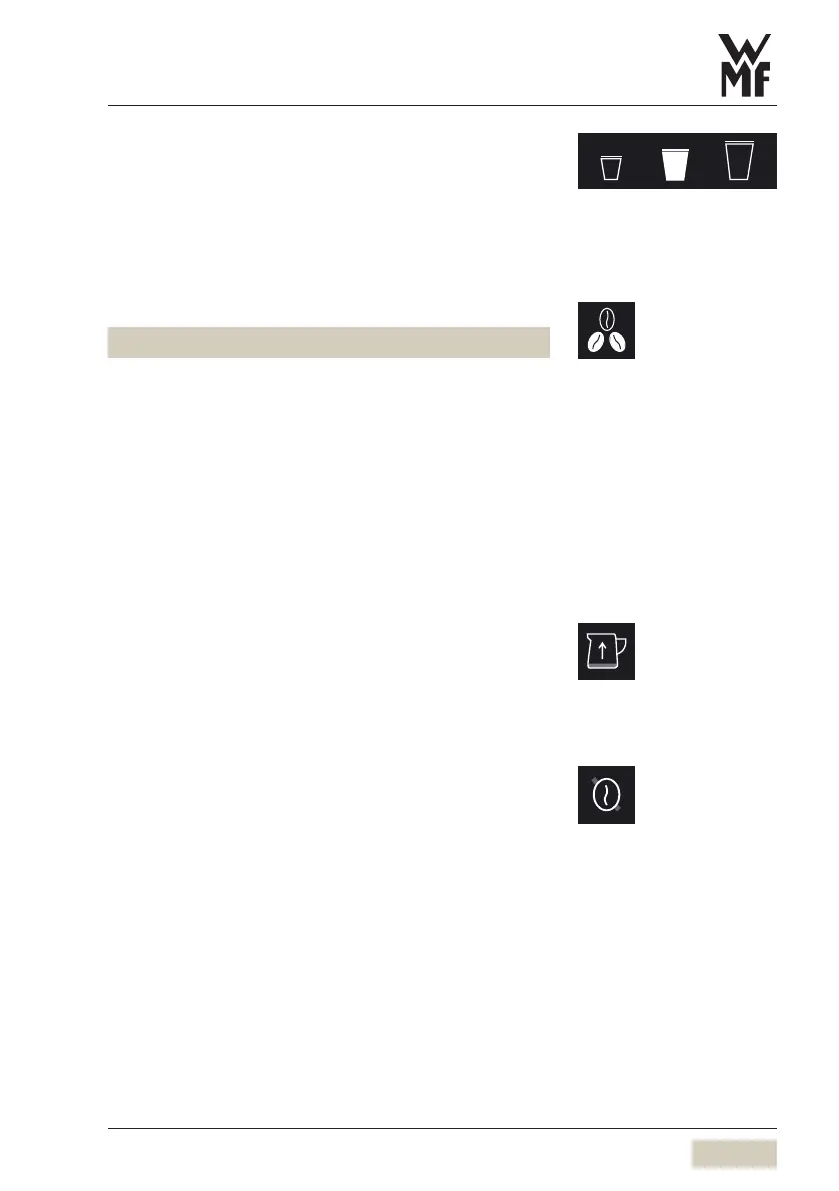
S-M-L pad
For pre-selecting beverage sizes. The beverages must be
set up accordingly beforehand.
Barista pad - coffee strength
Display Coffee strength
without
touching
2beans normal, as per setting
touch 1x 3beans 15 % stronger than the setting *
touch 2x 1bean 15 % weaker than the setting *
* Maximum quantity of ground coffee 0.53oz (15g)
per brewing cycle
The coffee strength will be altered for the next
brewing cycle only.
Milk system refill (SmartMilk)
For automatic “Milk system refill”.
Second type of coffee (decaf)
Assign “decaffeinated” to agrinder in the machine
data
Under operating options, choose “Decaffeinated”
A bean symbol with aline through it is displayed in
the function bar.
Tap the symbol before selecting abeverage
The next beverage will be prepared using the beans
from the caffeine-free coffee grinder.
S-M-L
w Software
w System
page 81
Barista pad active/inactive
w Operating options
page 60
Milk system refill
w Operating options
page 62
Second type of coffee
w Operating options
page 64



 To Next Page