70
User Manual WMF1300S
Software | PIN rights
5.8 PIN rights
One PIN can be assigned for each of the areas listed
below.
• Cleaning
• Setting
• Accounting
The PINs are hierarchical.
This means, for example: the settings PIN
simultaneously grants all rights for the cleaning PIN,
but not the rights for the accounting PIN.
If no PIN is assigned, then the area is accessible
without aPIN.
If aPIN has been assigned for aparticular level,
noaccess will be granted without aPIN.
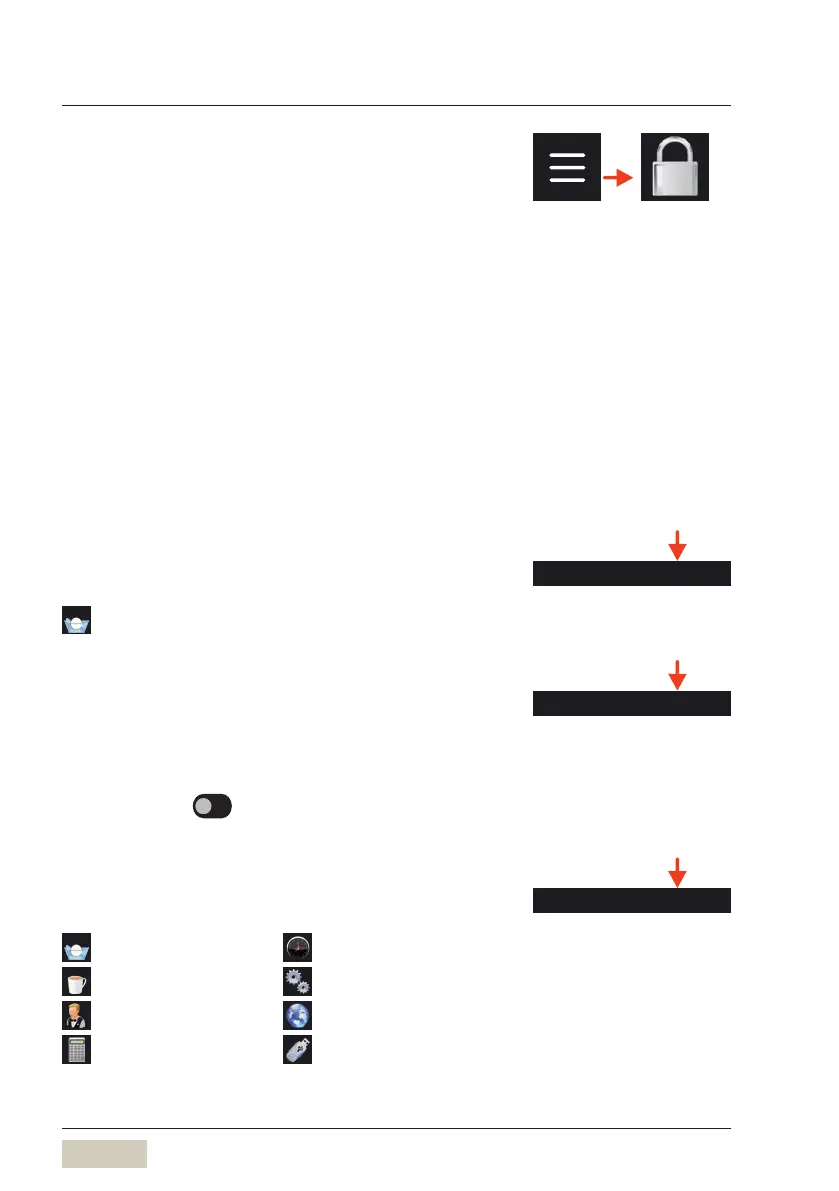
Cleaning PIN
On entering the valid PIN, access granted to:
Care
Switch on with Cleaning PIN
If this item is “active”, the coffee machine can be
switched on only by entering the saved Cleaning PIN.
Options: • active
• inactive
Default value:
inactive
Settings PIN
On entering the valid PIN, access granted to:
Care
Timer
Beverages
System
Operating options
Language
Accounting
(without “delete”)
USB
DS_03_09_04_01
Switch on with Cleaning PIN



 To Next Page