71
User Manual WMF1300S
Software | Timer
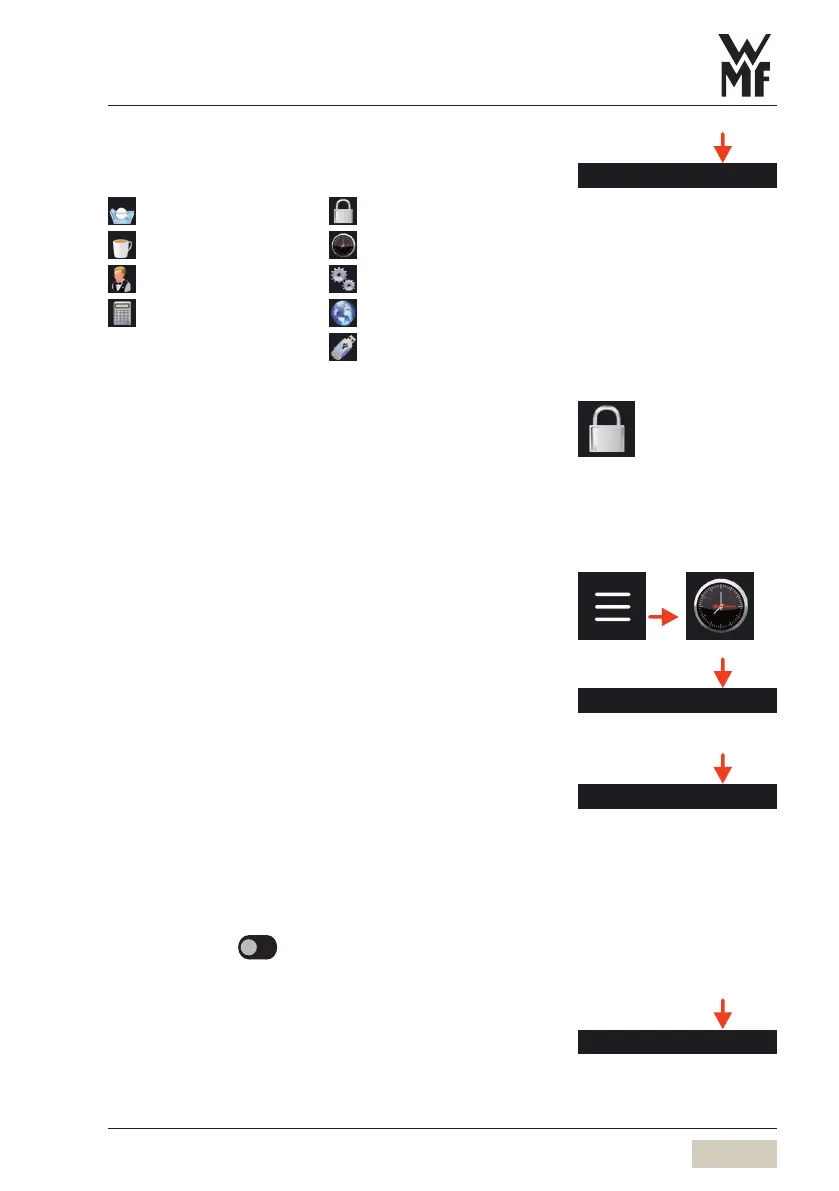
Accounting PIN
On entering the valid PIN, access granted to:
Care
PIN
Beverages
Timer
Operating options
System
Accounting
(with “delete”)
Language
USB
Setting anew PIN
Once aPIN has been assigned for access rights,
thePINnumber must be entered here in order
toassign anew PIN.
5.9 Timer
Time/date
The current time of day and the date are set here.
Daylight saving time
Set whether to switch to daylight saving time
automatically here.
This menu is displayed only if no telemetry module
isinstalled.
Options: • active
• inactive
Default value:
inactive
Time zone
The time zone can be set here.
The Accounting PIN can be used
to change the other two PIN
numbers. If you have forgotten the
Accounting PIN, it can be reset only
by our service department.
DS_03_10_00_01
Time / date
DS_03_10_00_02
Daylight saving time



 To Next Page