41
User Manual WMF1300S
Operation | Water tank (with optional lock)
4.13 Water tank (with optional lock)
Clean the water tank manually weekly.
Coffee machines that are connected to
aconstant water supply fill the water tank
automatically.
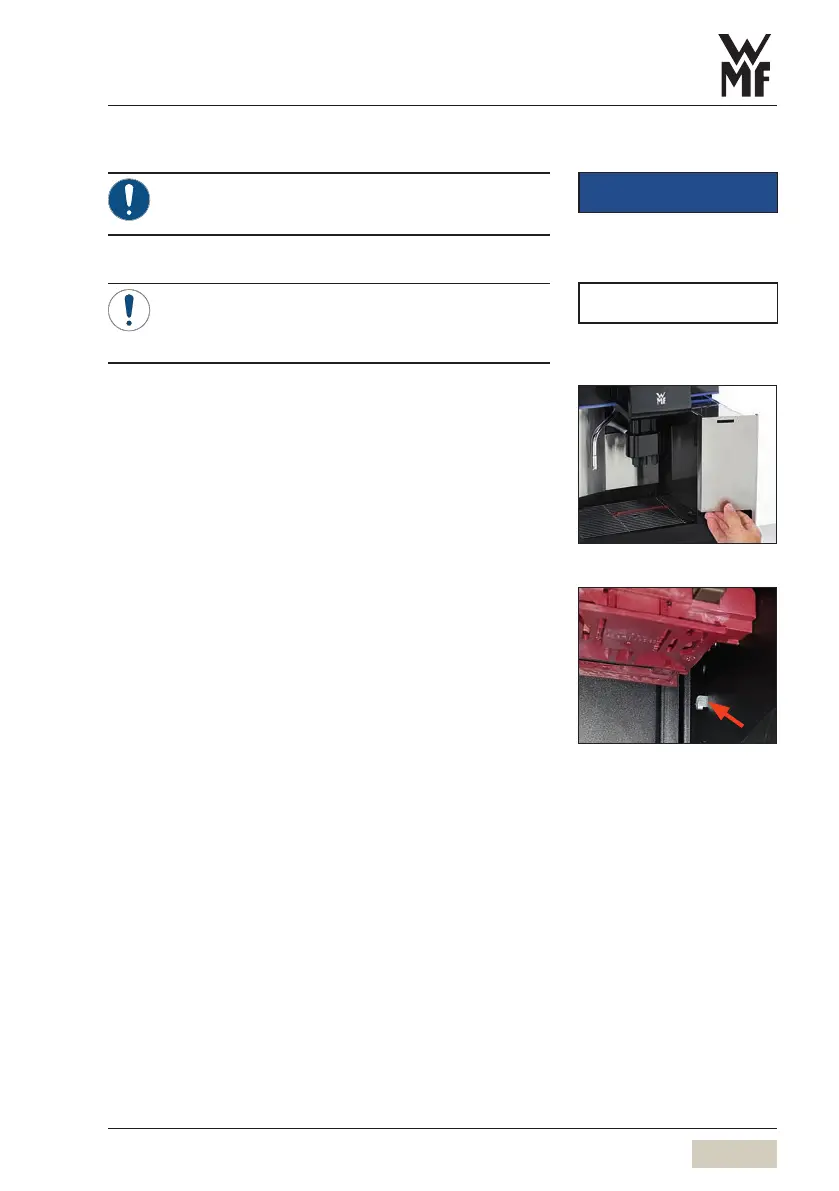
The water tank is on the right, next to the combi spout.
Remove water tank
Fill water tank
Place the water tank
Lock the water tank (optional)
Slide the combi spout upward
Remove grounds container
Slide the lock to the right of the brewer in the
brewer space upward and hold it up
Remove water tank
Replace the grounds container
Fill water tank
Place the water tank
IMPORTANT
Follow the Warranty chapter
w starting on page 124
NOTE



 To Next Page