40
User Manual WMF5000S +
Software | “Ready to operate” display
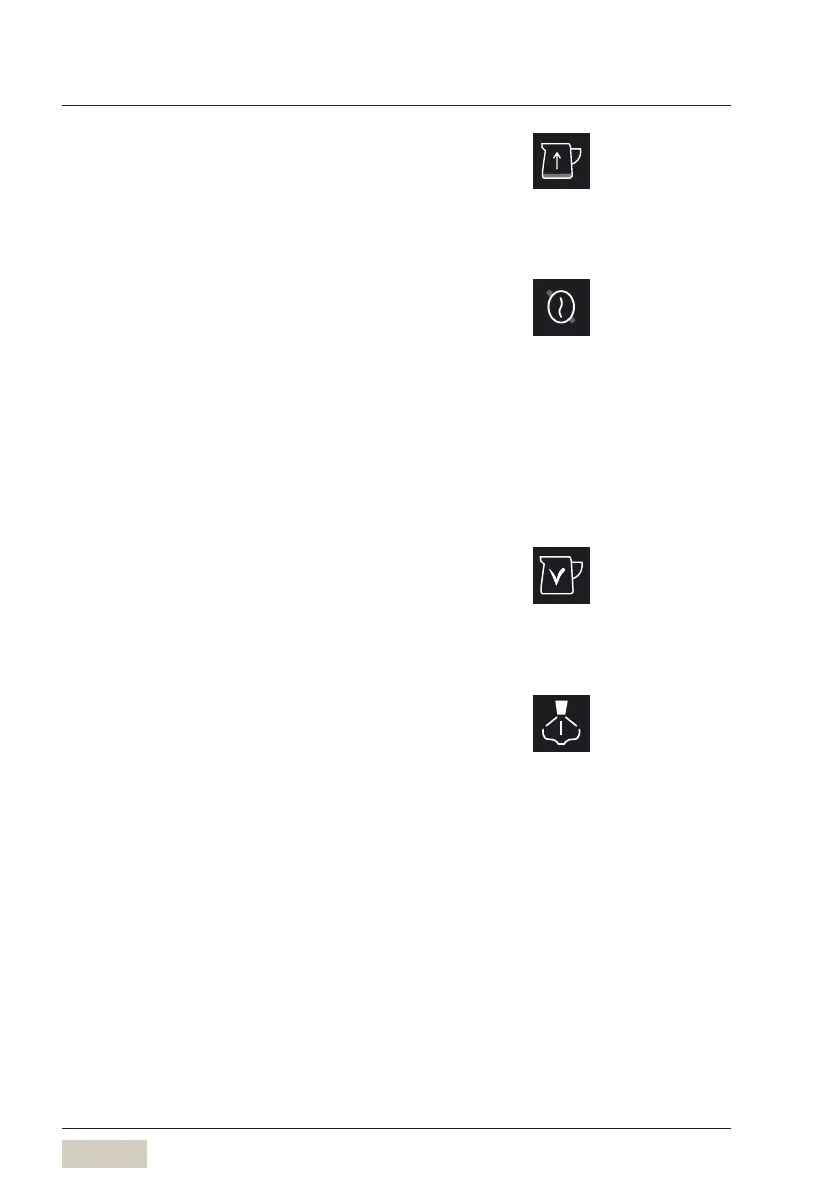
Milk system refill
For automatic “Milk system refill”.
Second type of coffee (decaf)
First of all, assign “Decaffeinated” to agrinder in the
machine data
Under operating options, choose “Decaffeinated”
A bean symbol with aline through it is displayed in
the function bar.
Tap the symbol before selecting abeverage
The beverage is then prepared from the beans in the
decaffeinated coffee grinder.
Second type of milk (optional)
There is an option to dispense asecond type of milk.
This could be skim milk or asoy drink, for example.
Steam button
The steam button is used to dispense hot steam for
warming beverages.
Milk can be foamed by means of the steam button.
Milk system refill
w Operating options
page 56
Second type of coffee
w Operating options
page 57
Second type of milk
w Operating options
page 55



 To Next Page