50
User Manual WMF5000S +
Software | Beverages
Select coffee grinder
A full portion of coffee to be ground corresponds to
10. The total amount can be produced cumultaively
by different grinders. This means that avariety of
individual recipes are possible.
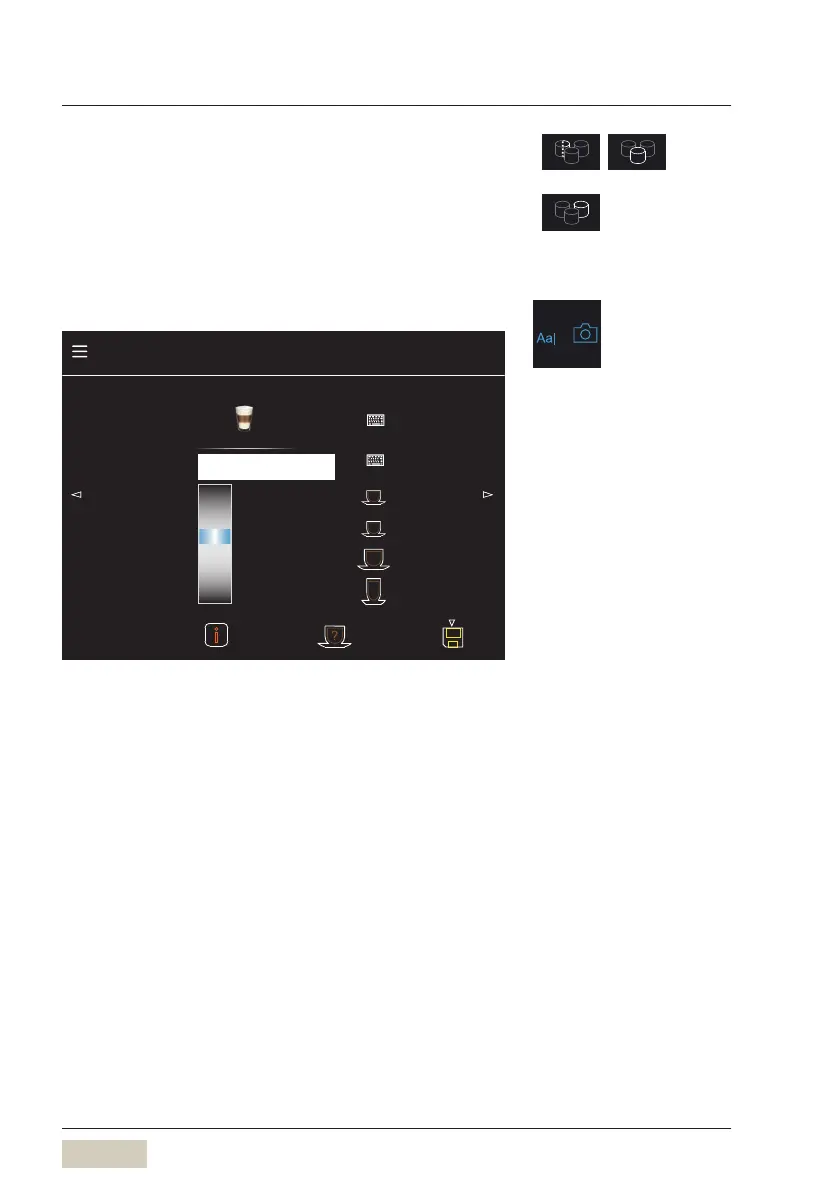
Text, picture, and cup height
Cup height
130
135
140
145
150
155
160
165
mm
50
75
95
145
Recipe number 92 Factory: 92
Note Macch., long pause
Text + picture
Latte Macchiato
Beverage settings latte macchiato
Change text + picture
Detect cup
Text and picture
The beverage name and photo of abeverage button
are adjusted here.
Activate the keyboard by touching the keyboard pad.
Note
A note about the beverage can be saved here.
1 2
3
Menu control pads
w Overview
page 36
The “Detect cup” button is displayed
only if “Presence detection” is active.
w Presence detection with cup
sensor
w page 51
Load custom beverage pictures
w USB
page 79



 To Next Page