76
User Manual WMF5000S +
Software | System
Size setting S-M-L
In “Size preselection” mode
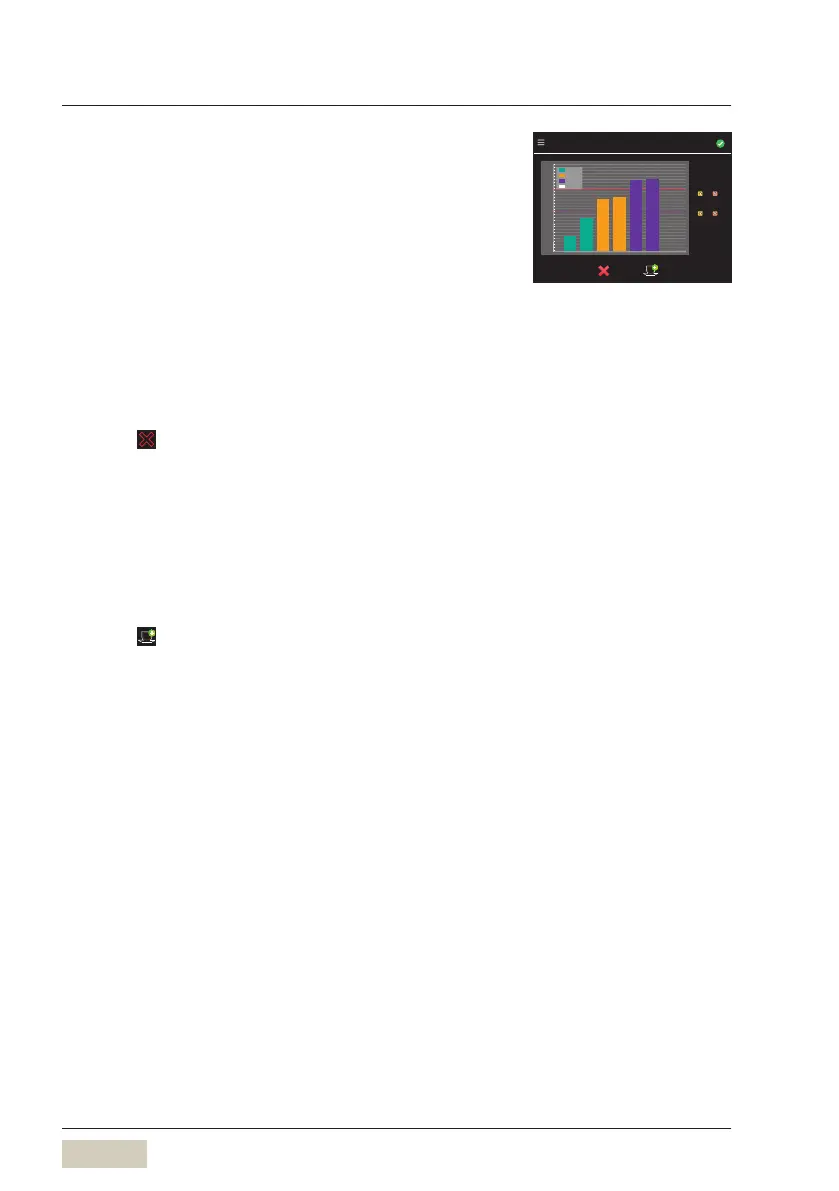
The cup currently under the spout is shown as asymbol
on the display.
The smallest and largest cup size setting for each
beverage size is displayed.
The two horizontal lines are the boundaries between
the beverage sizes.
The arrow symbols can be used to move these lines.
Delete cup sizes
Touch
Select adesired size or “All size”
The selection is deleted.
The cup size is deleted.
Add cup size
Place the new size cup under the spout
Assign the desired S-M-L size
Touch
Cup detection
Please place cup or mug underneath
M-L
S-M
Size 1
Size 2
Size 3
Currently
Cup height
140
130
120
110
100
90
Change the size designations
forbeverages
w System
w S‑M‑L
page 73



 To Next Page