25
User Manual WMF950S
Start-up | Start-up program
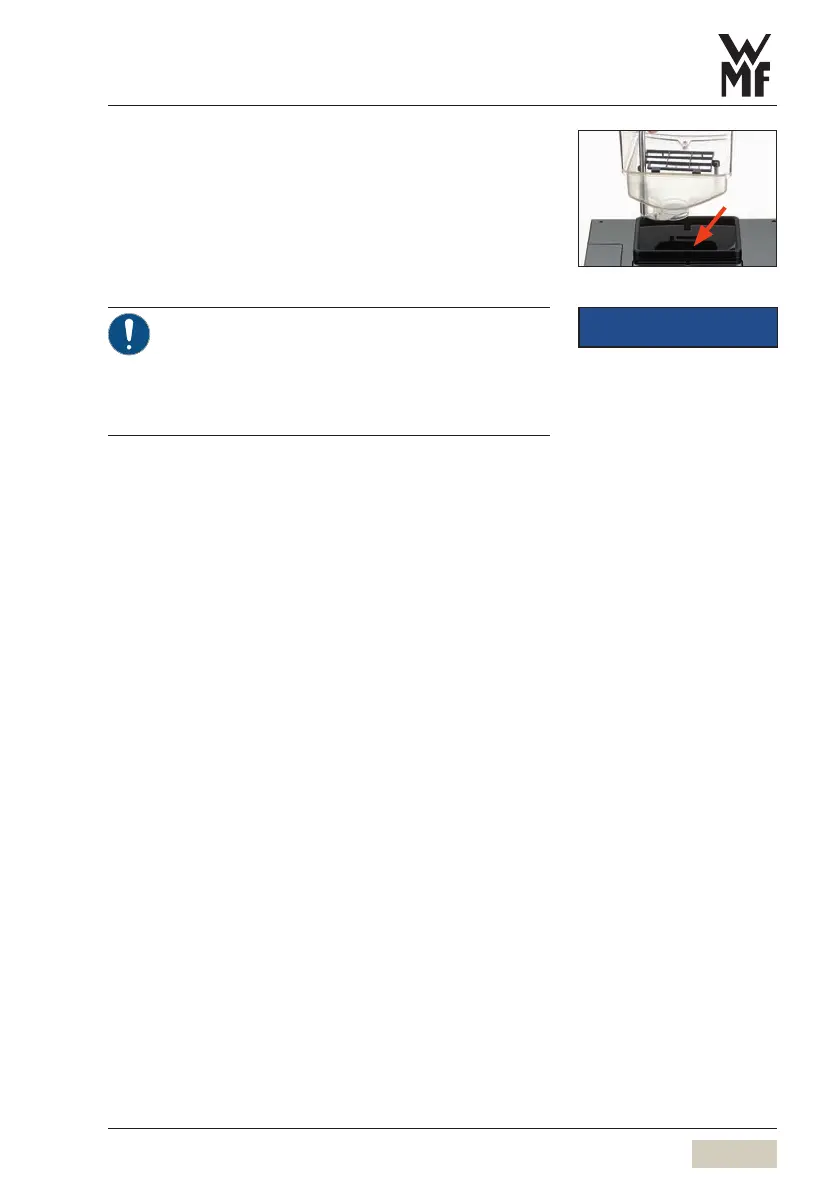
✻ Place the bean hopper
✻ Follow all the instructions on the display
As soon as the start-up program has run through
completely and all necessary settings have been made,
the coffee machine will restart.
The start-up program provides astep-by-step
guide through the remaining start-up steps on
the display.
> Follow the display messages.
• The set values can be changed after start-up.
IMPORTANT
Change settings
w Software
starting on page 38



 To Next Page