33
User Manual WMF950S
Operation | Grounds container
4.12 Grounds container
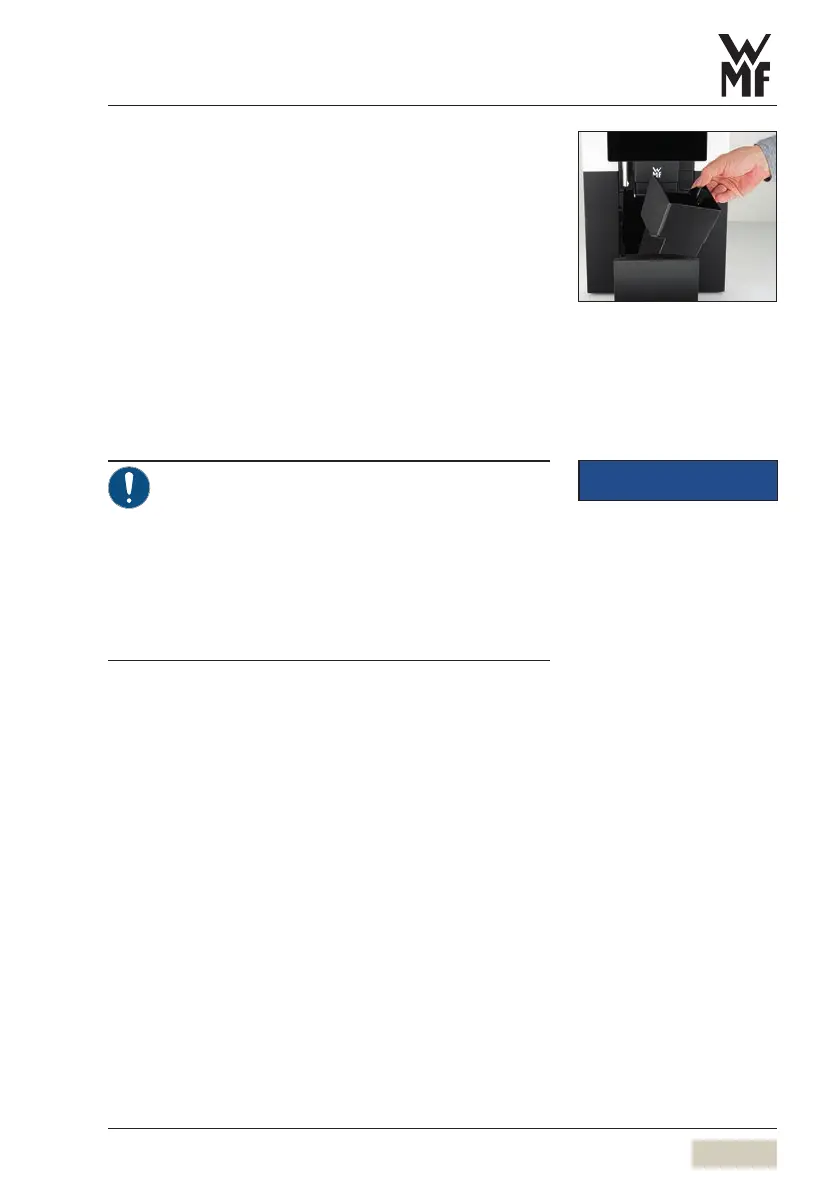
The grounds container receives the used ground coffee.
It has enough capacity to store coffee grounds from
approx. 30brewing cycles.
The display shows amessage as soon as the grounds
container needs to be emptied.
Beverage dispensing is blocked for as long as the
grounds container is removed.
✻ Push combi spout all the way up
✻ Empty grounds container
✻ Replace grounds container
✻ Place drip tray
✻ Confirm process on the display
• Replacing without emptying will result in the
coffee grounds container being overfilled.
The coffee machine will be soiled. This may
cause subsequent damage to the machine.
> Always empty the grounds container before
replacing.
> If grounds container cannot be replaced,
check chute for coffee residue and remove.
Clean the grounds container
w Manual cleaning
page 66
IMPORTANT
Follow the Warranty chapter
w starting on page 89



 To Next Page