13
User Manual WMF cafemat!
Operation with SU
2/1.2 Beverage dispensing
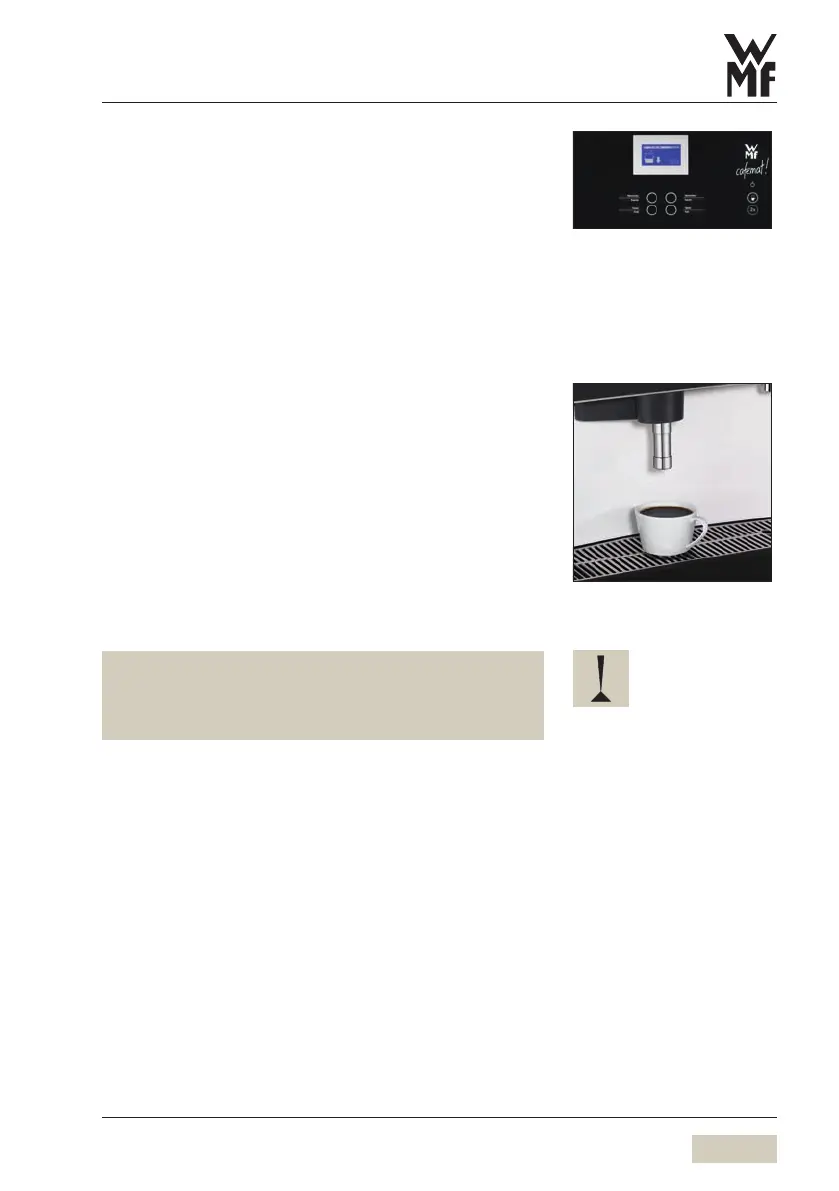
Pressing the beverage button triggers dispensing of the
beverage selected.
Lit up button• = Ready to dispense
Flashing button• = Beverage dispensing
Rapidly flashing button• = Active dispense cycle is
interrupted
Unlit button• = not ready to dispense/button
barred
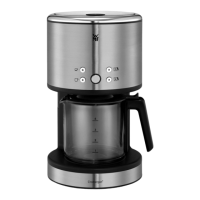
Place an appropriate drinking vessel under the coffee
spout
Press the desired beverage button
The selected beverage is dispensed.
Name of desired beverage and progress of dispensing
indicated on the display.
The amount can be dispensed multiple times.
See multiple dispensing.
For the fresh brewing option, with the storage urn level
at “empty”, portions are brewed fresh individually.
The optionally available second type of coffee is always
brewed fresh.
Button allocation:
w Settings
w Recipe and beverage buttons


 To Next Page