71
User Manual WMF cafemat!
Messages and instructions
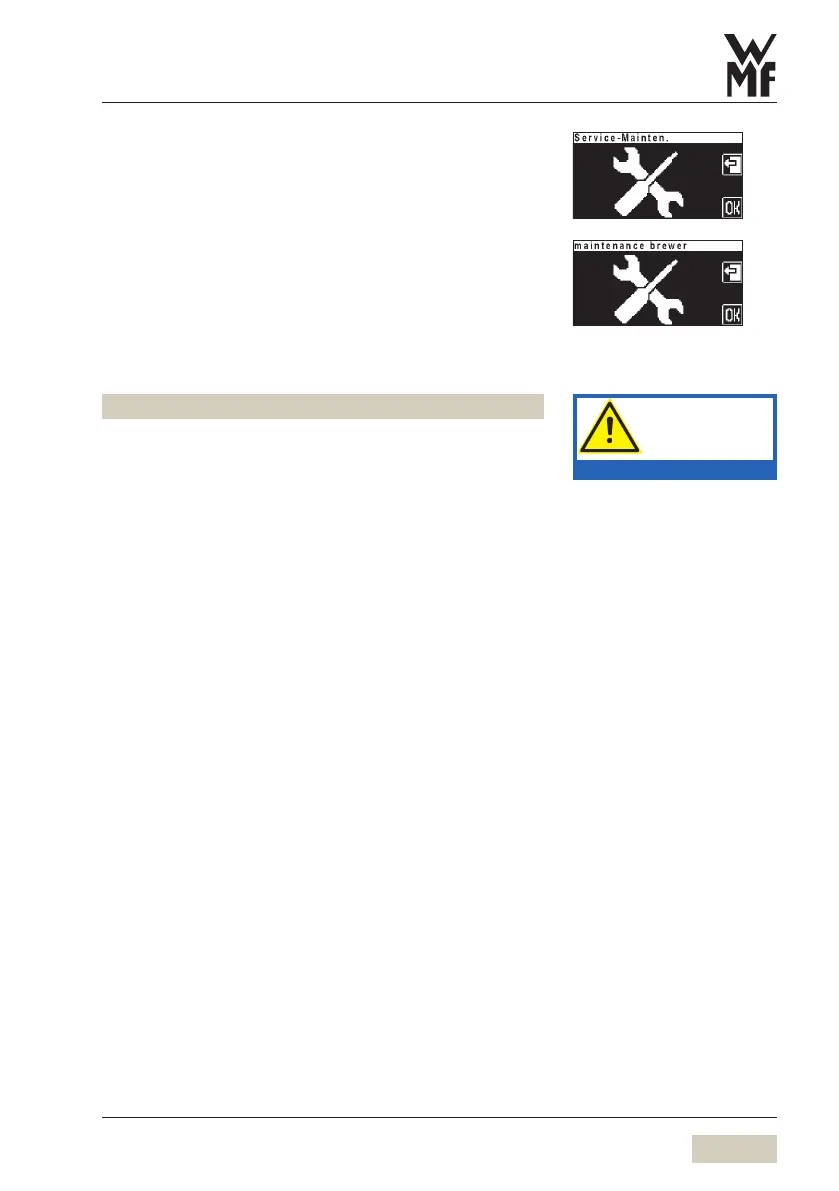
Service maintenance
Please call WMF Service
Maintenance of the brewer
Please call WMF Service
Emergency manual cleaning active
Fault in the cleaning meter.
Add cleaning granulate manually in cleaning program.
8.2 Error messages and malfunctions
Basic procedure if error messages are displayed:
Switch off coffee machine and then switch it on again
after a few seconds
Repeat the process which led to the error
In many cases the error is rectified by this and you can
carry on working.
If this is not successful: Find the error message or error
code in the following list and follow the sequence of
actions indicated.
If this does not rectify the error, or if the error number is
not listed, please call WMF Service.
Some messages lead to blocking of individual functions.
You will notice this by the fact that the beverage button
light goes out. The beverage buttons that are still
illuminated can continue to be used.
Your WMF cafemat. is provided with a diagnostics program.
Any errors that occur are shown on the display. The errors
listed may also be caused by an interruption to the mains
electricity supply.
Follow the manual.
Observe the Safety chapter.


 To Next Page