33
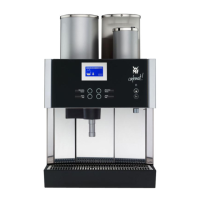
User Manual WMF cafemat!
Software with SU
3/1.3.2 Timer program
The following submenus are available:
Timer status •
Set timer •
Timer overview •
Timer delete •
Timer information •
Timer status
Touch
Activate/deactivate timer.
Set timer
The following actions can be controlled by the timer:
Operating times (switch on and switch off times) •
Cleaning •
Level preselection •
Operating mode •
Touch
Program the switch on and switch off times.
When the timer is activated, the
timer symbol, a little clock, appears
on the display.


 To Next Page