53
User Manual WMF cafemat!
Software without SU
Exit menu without changing:
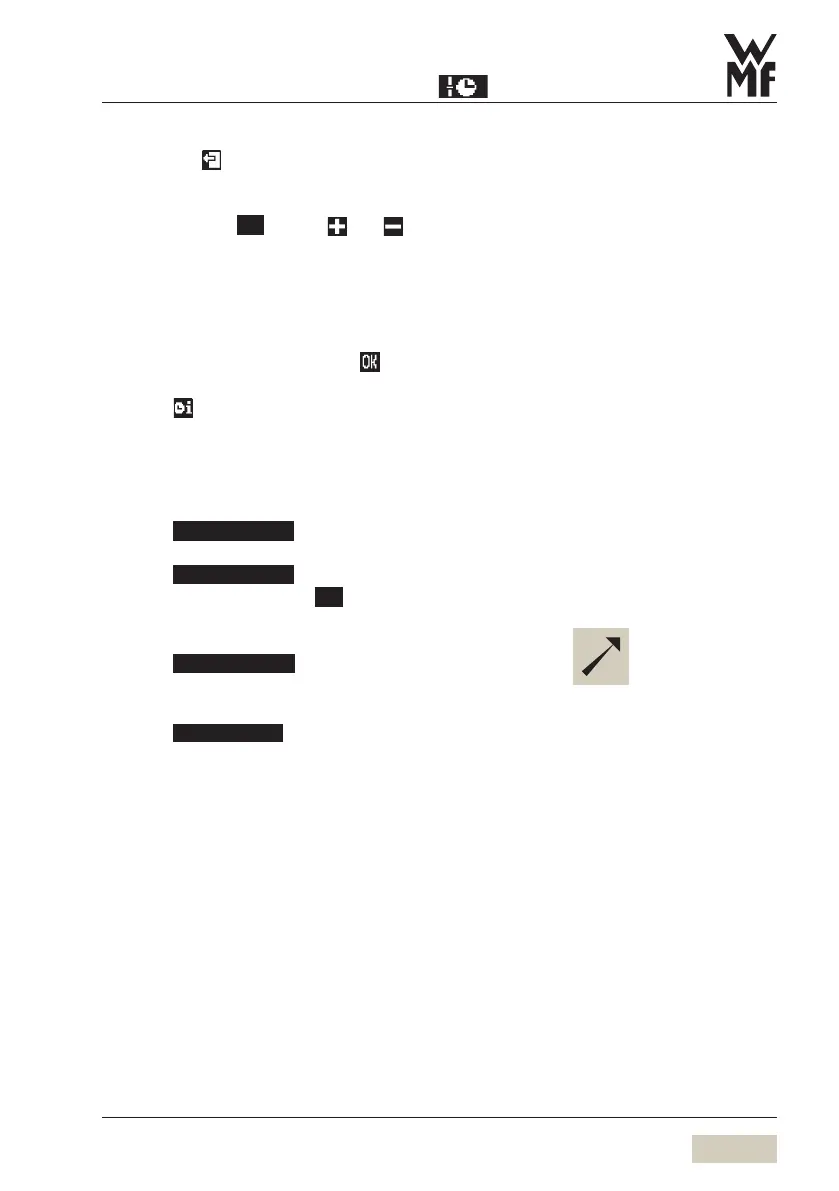
Touch the pad
Display programmed switching times:
in the column
Prg
use the and pads to select and
display timer actions
Programmed switch times are displayed here.
Up to 16 switch times (events) per day can be set.
Programmed times are listed chronologically.
Any new switch time is sorted chronologically immediately
upon input and confirmation with
.
Touching leads directly to the timer overview.
Copy day
Any day may be copied to other days, complete with all
switch times/ events.
Touch
Program the switch on and switch off times.
Touch
Touch number pad under
Day
Day of the week selection is displayed again.
Scroll through to page 4
Touch
Day of the week selection is displayed again.
Select the day that you want to copy
Touch
Select the day you want to copy the time settings to
The day is copied.
For day 1-5 or day 1-7, the
switching times are copied to the
indicated days.
The individual days 1,2,3 ... 7 are
displayed.
To check times:
w Timer overview.


 To Next Page