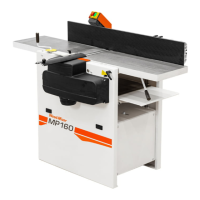
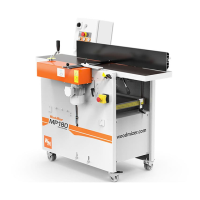
Setup
Planer/moulder setup
3
3-3 doc050624 Setup
3.2 Planer/moulder setup
IMPORTANT! Before starting to use the planer/moulder
you have to meet the following conditions:
Set up the planer/moulder on firm, level ground and level the planer/moulder.
Secure the planer/moulder to the ground to prevent moving during operation.
A cement pad with 12 mm diameter anchor bolts is recommended.
Unscrew the feet. Screw the optional maneuvering wheels to the outer holes in
the machine body. The maneuvering wheels must be locked before starting
work
Indoors the planer/moulder can be operated with the sawdust collection system
only.
The planer/moulder can not be operated when it is raining/snowing and in case
of rain or snow the machine must be stored under roof or indoors.
The planer/moulder can be operated in temperature range from -15
o
C to 40
o
C
only.
The illumination at the operator's position should be at least 300lx
1
.
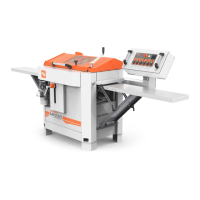
The planer/moulder’s operator position and E-Stop safety buttons location are
shown below.
1. Light source can not cause stroboscopic effect.


 To Next Page