Operation
Operation
4
4-1 doc050624 Operation
SECTION 4 OPERATION
4.1 Operation
DANGER! Keep hands away from the knives. Failure to follow this will
result in serious injury or death.
DANGER! Do not operate the planer moulder without all covers and
guards in place. Failure to follow this will result in serious injury or
death.
WARNING! Do not operate the machine standing directly in front of the
input or output tables; kickbacks may occur. Failure to follow this will
result in serious injury or death.
WARNING! Minimum length of the work piece is 24” (600 mm). Do not
try to feed shorter pieces. Failure to follow this will result in serious
injury or death.
Read and understand all information and warnings contained in the
Safety section of this Operators Manual before starting the
planer.
CONTROL PANEL OPERATION
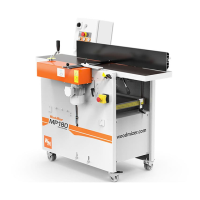
The MP280 is operated via the control panel located at the infeed
end of the machine. The top right light on the control panel will illu-
minate when power is being supplied to the machine. The bottom
row of buttons starts each motor independently of the others. After
you are certain the machine is correctly set up and clear of any
tools or loose items, start only the motors you will be using.
NOTE: None of the motors will start if the planer’s observation/protec-
tive lid is not securely closed, or if the Emergency Stop Button is
depressed.
The MP280 is equipped with a lid switch that must be engaged before the machine can
be started by the control panel buttons.


 To Next Page