3. Setting up the phone
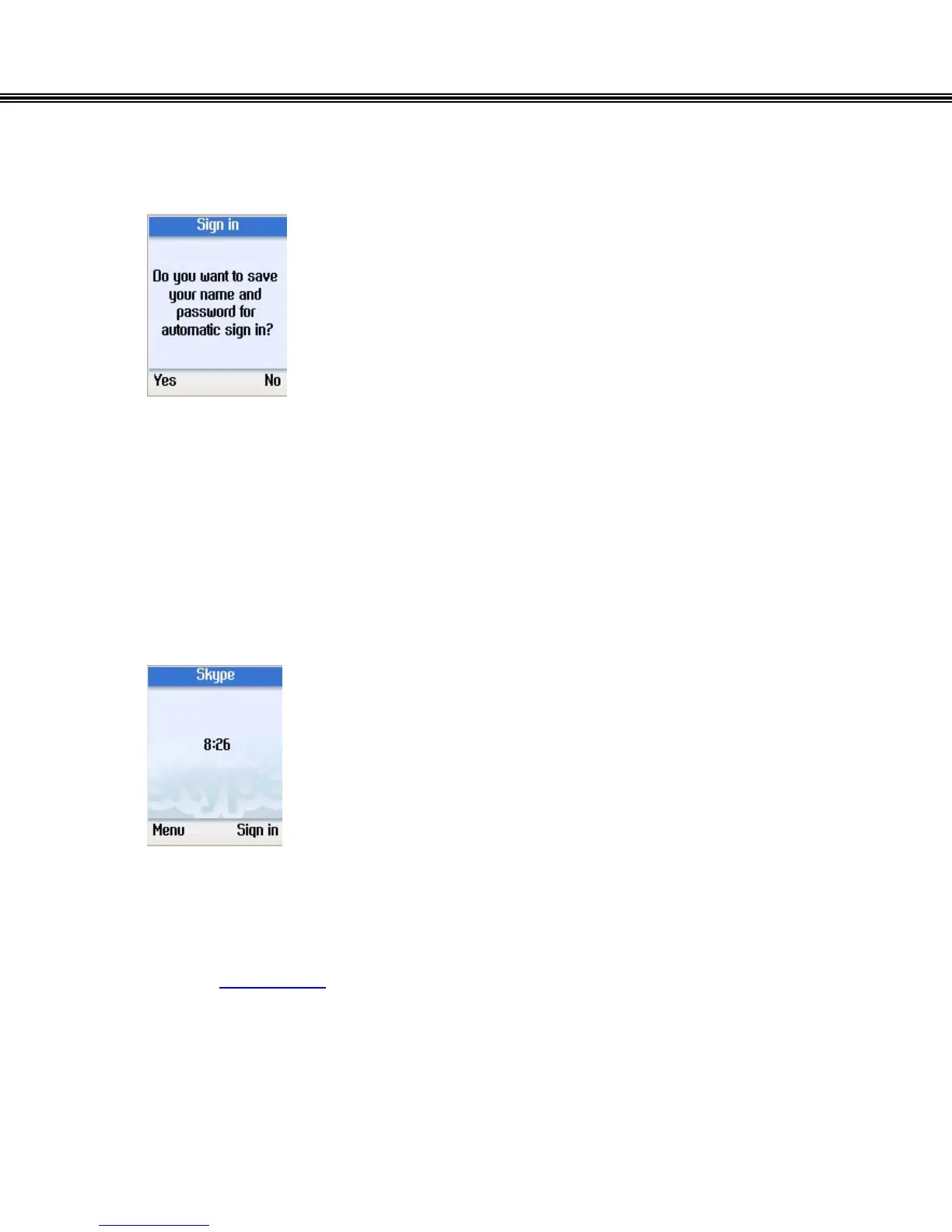
• Press the left soft button to save the user name and
password, and select “Yes” to have the phone
automatically log into your Skype Account.
• Press the right soft button if you don’t want to save the
password.
Note: When you select to save the user name and password, the phone will
automatically sign into your account every time it is powers up. After you select to
save the account information for automatic sign in, you return to the main screen.
If you select not to save the account information, you will go to the Menu Screen.
(Refer to Menu Screen)
- 13 -


 To Next Page
 Loading...



