12. Settings
Phone Settings
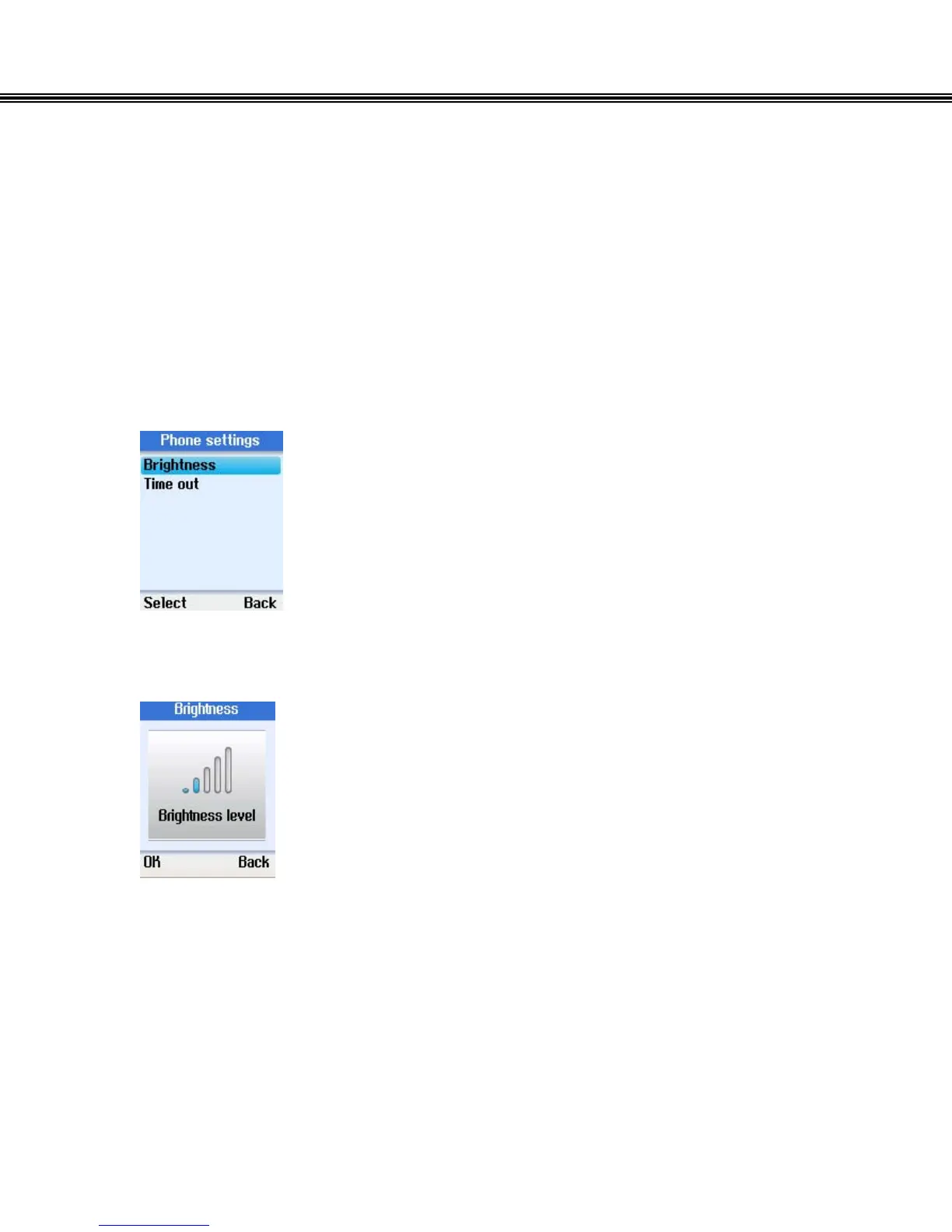
In the Phone settings menu, you can adjust the brightness setting of the phone
display and the screen timeout. Time out is the length of time that the telephone
must be idle before the display shuts off.
Brightness
• Use the navigation button to select the desired
Brightness.
• Press the left soft button to continue.
• Use the navigation button to adjust the brightness level.
- 53 -


 To Next Page
 Loading...



