4. Main Screen
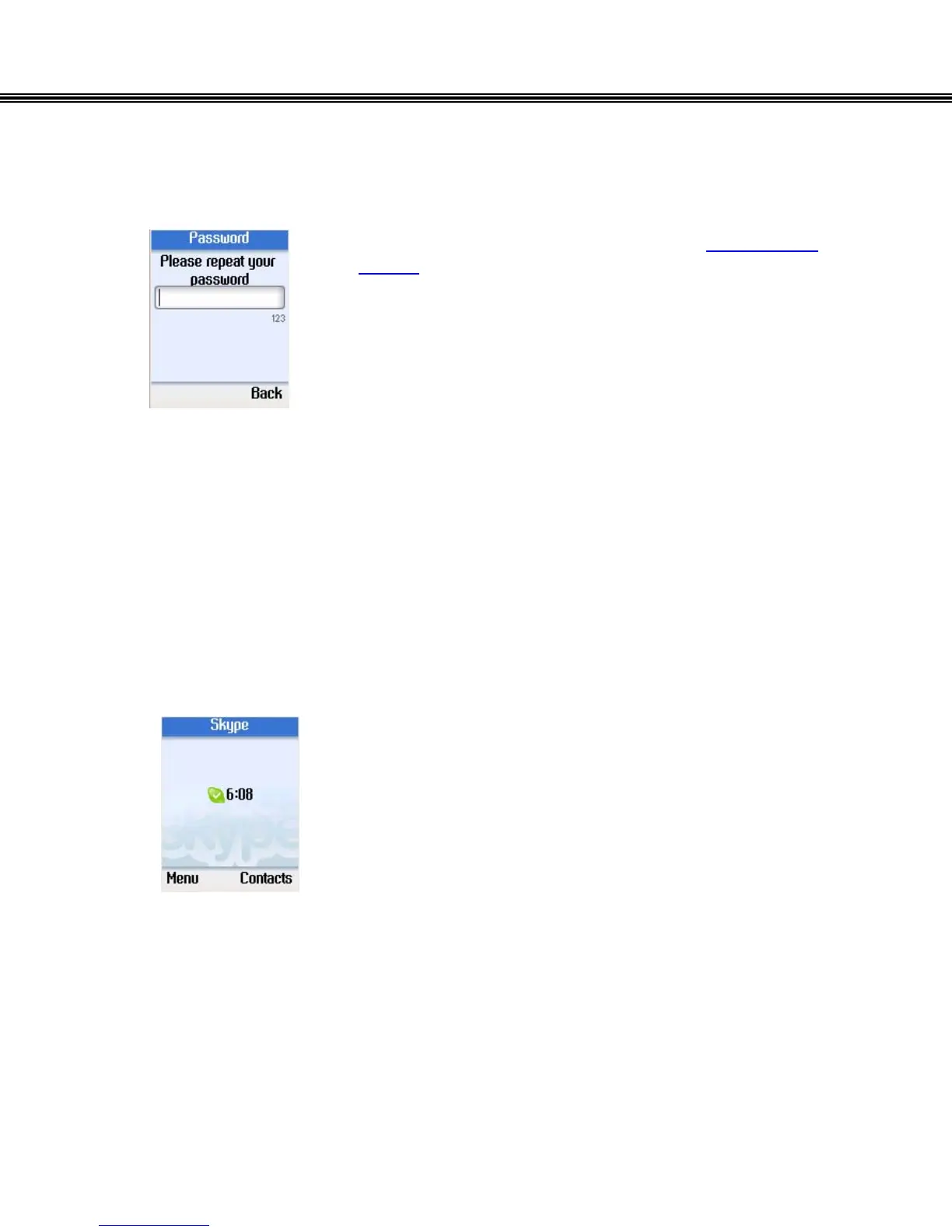
• Using the Alphanumeric Keypad, (refer to Alphanumeric
Keypad), enter the password again.
• Press the left soft button to continue.
Note: Please keep your Skype user name and password in a
save location.
4. Main Screen
The following screen is displayed after successfully logging into your Skype ™.
Press the left soft button to enter the Menu, or press the right
soft button to enter Contacts.
- 15 -


 To Next Page
 Loading...



