9. Status
9. Status
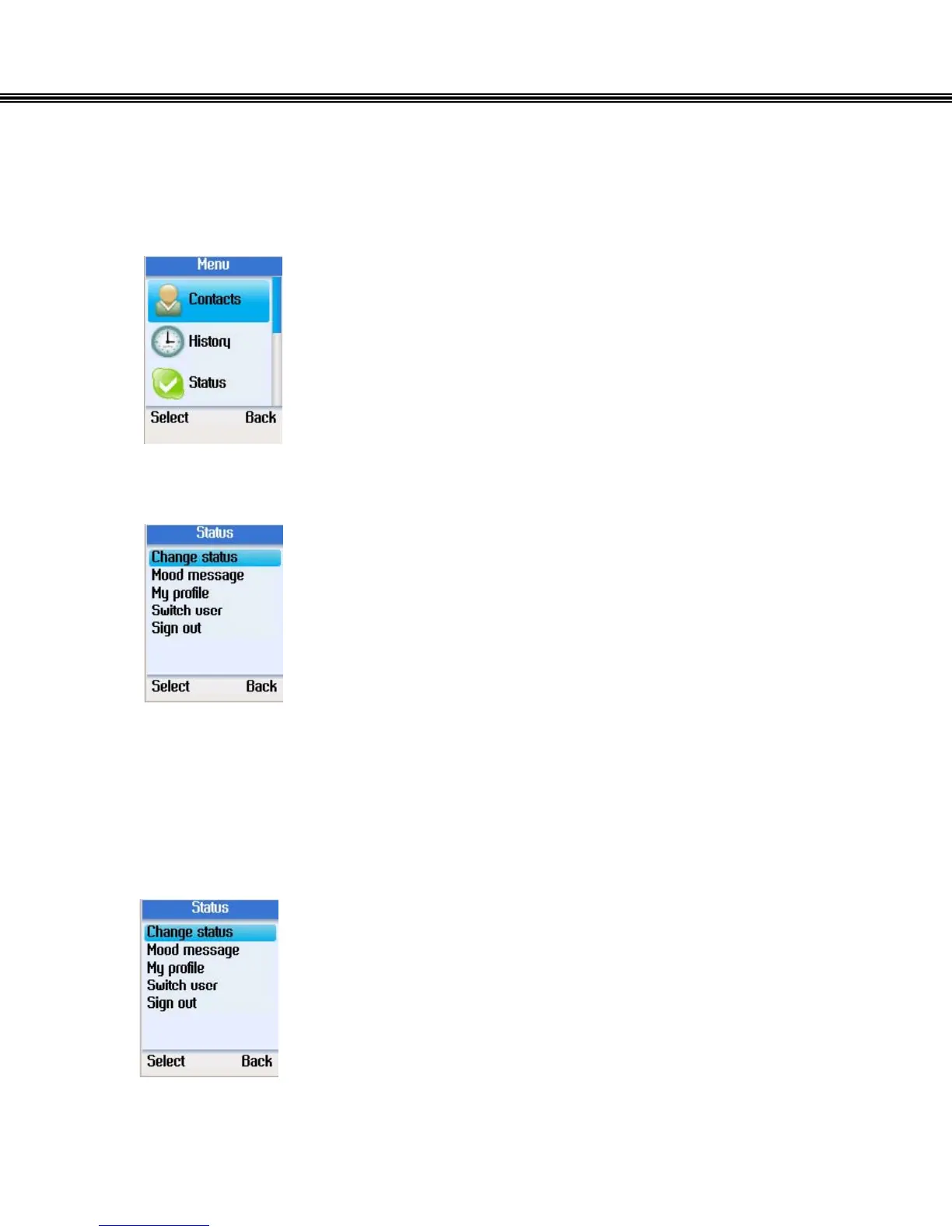
• Press the left soft button to enter the Menu.
• Use the navigation button to select Status.
• Press the left soft button to enter the Status menu.
• You can change your Skype status, define mood message,
select My profile details which is shown to other users,
switch user, or sign out of Skype™.
Change Status
• Use the navigation button to select Change status.
• Press the left soft button to continue.
- 25 -


 To Next Page
 Loading...



