12. Settings
Privacy
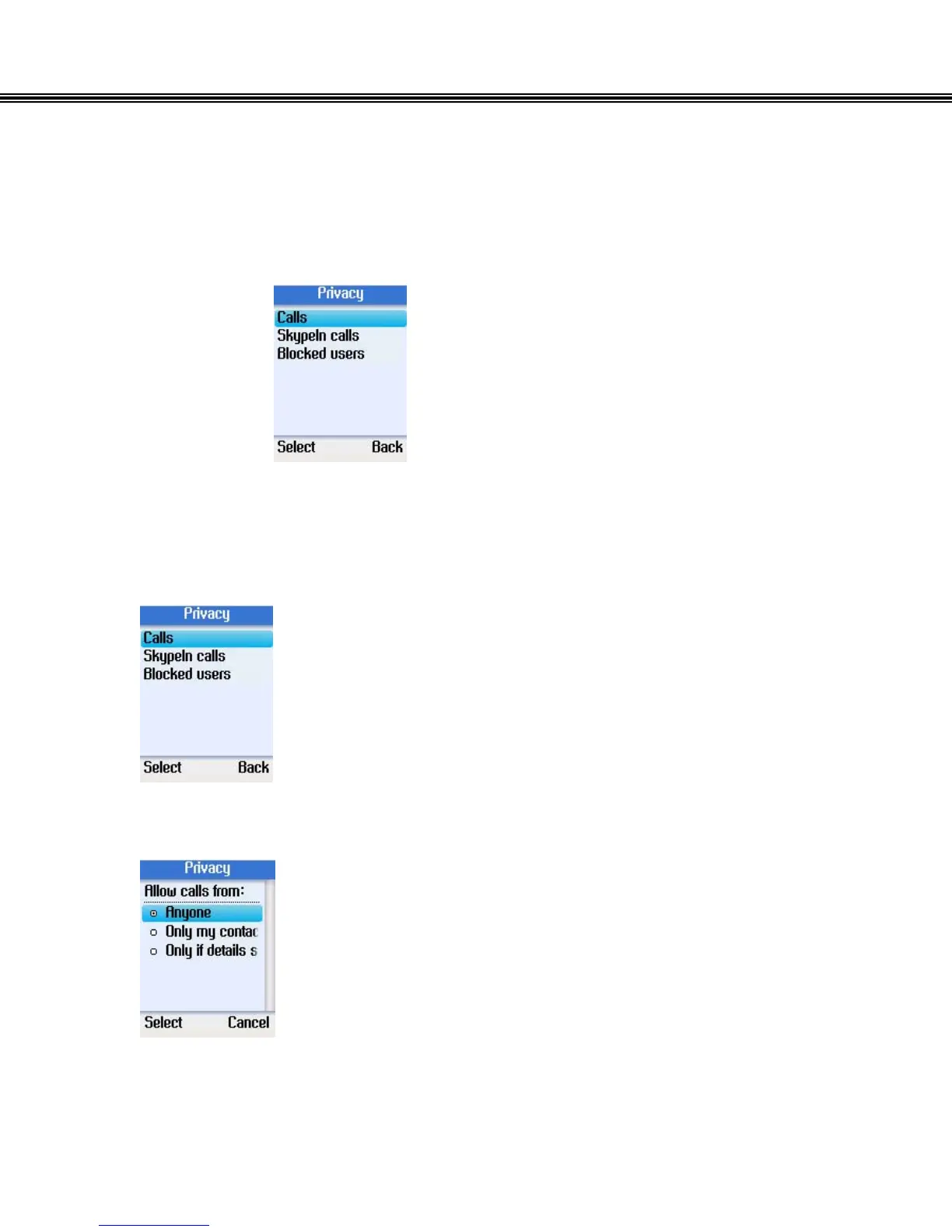
In the Privacy menu, you can configure privacy settings for Skype or SkypeIn ™
calls, and block and/or remove users.
Set Allowed Calls
• Use the navigation button to select Calls.
• Press the left soft button to continue.
• Select allow calls from anyone, only contacts on your list, or
specified contacts.
• Press the left soft button to confirm.
- 43 -


 To Next Page
 Loading...



