9. Status
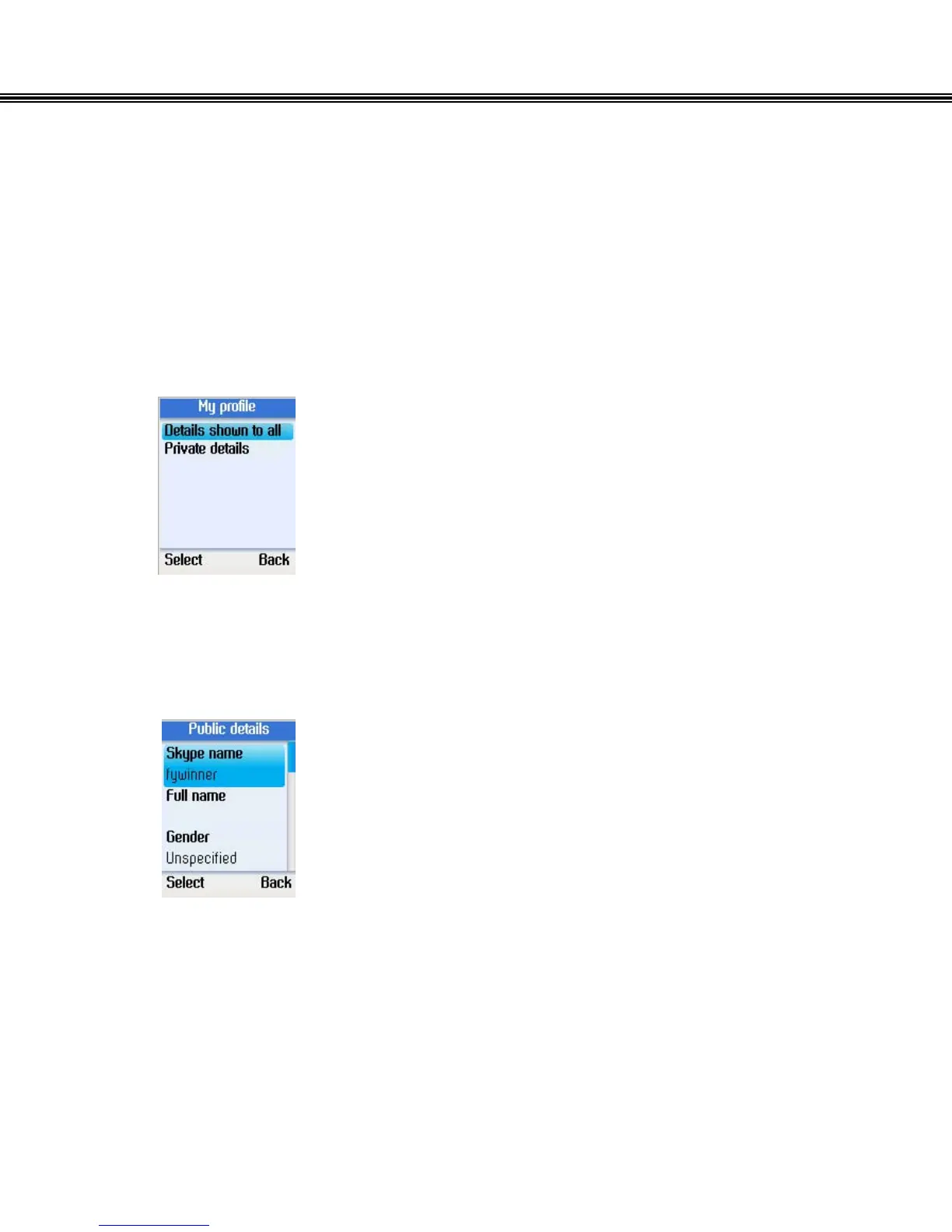
Select My Profile
Select the details to be displayed to all of your contacts as well as the private details
which will be shown to others Skype users.
Select Details to be shown
• Use the navigation button to select Details shown to
all.
• Press the left soft button to continue.
• Use the navigation button to select an item
• Press the left soft button to continue.
• You can select to show Skype name, full name, gender,
birth date, country/region, state/province, city, language,
etc. to other contacts.
- 27 -


 To Next Page
 Loading...



