12. Settings
Time and Date
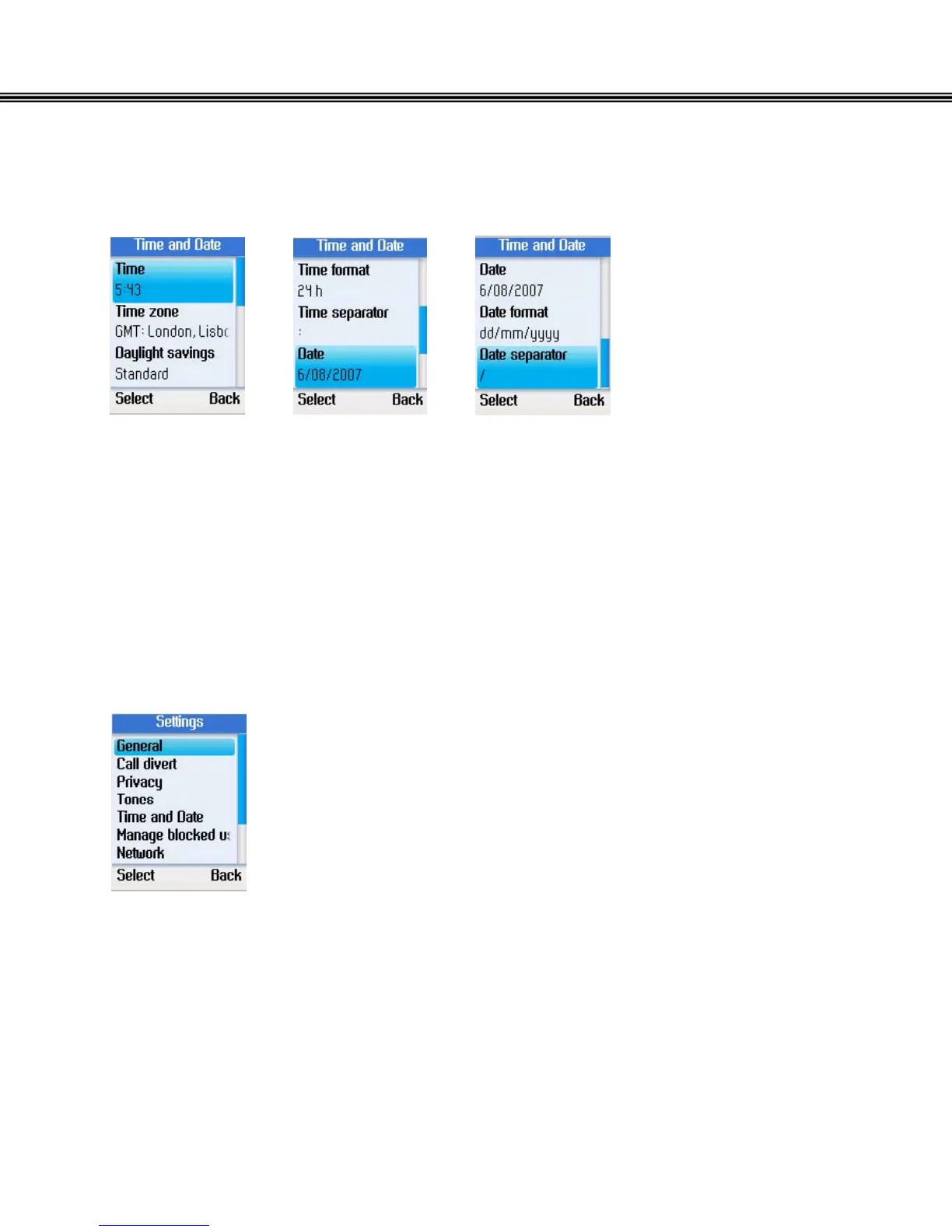
In the Time and Date menu, you can configure time, date, and time zone.
• Select Time and Date in the Settings menu.
• Use the navigation button to select time, time zone, daylight savings, time
format, time separator, date, date format, and date separator.
• Press the left soft button to configure each setting.
Manage Blocked Users
• Select Manage blocked users in the Settings menu.
• Press the left soft button to continue. You can browse the
information of the blocked Skype contacts.
- 50 -


 To Next Page
 Loading...



