7. Send Voice Mail
Rename a Contact
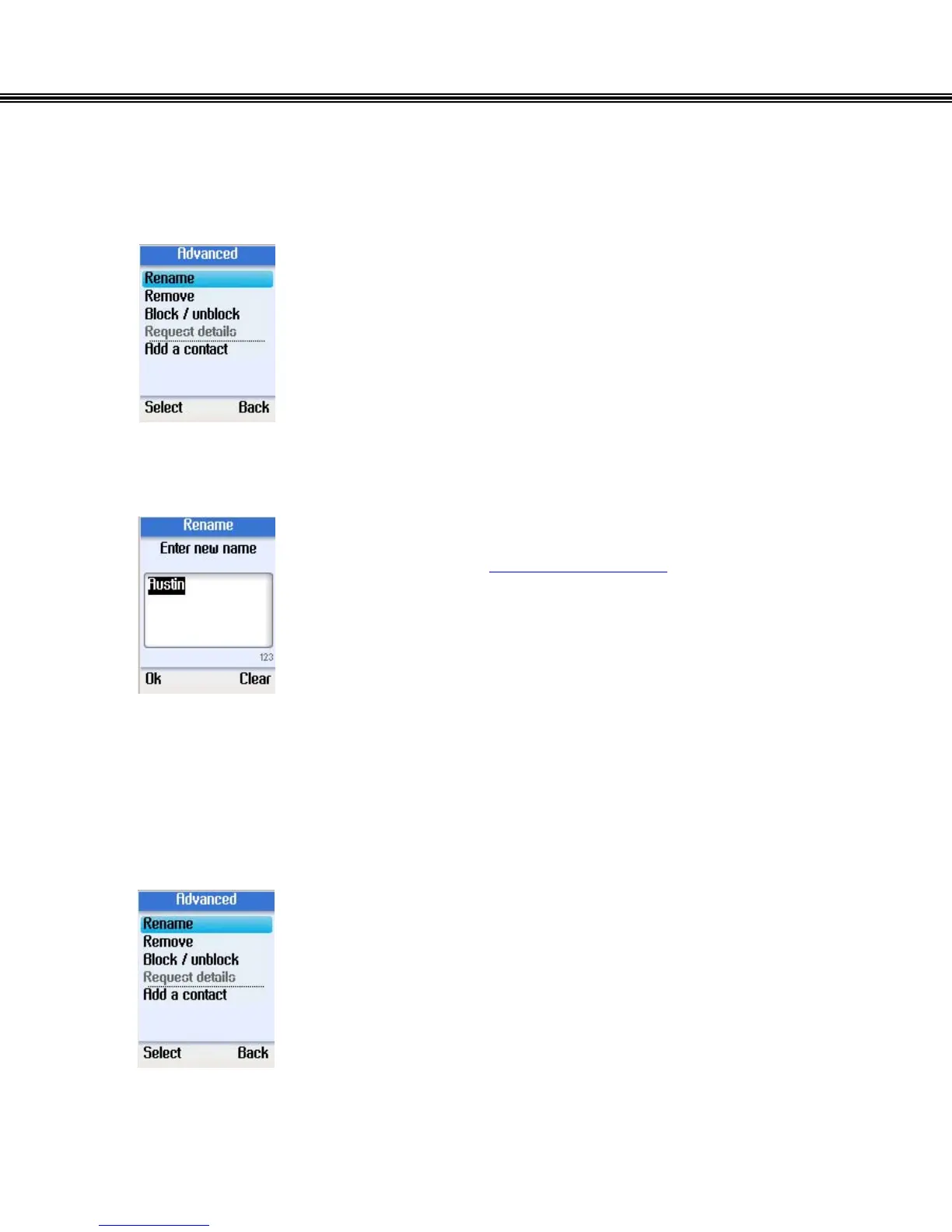
• Use the navigation button to select Rename in Advanced
Options.
• Press the left soft button to continue.
• Enter a new name for the contact using the alphanumeric
keypad (Refer to Alphanumeric Keypad)
• Press the left soft button to confirm.
Remove a Contact
• Use the navigation button to select Remove in Advanced
Options.
• Press the left soft button to continue.
• You can select to remove and block a contact, or just
remove a contact without blocking them.
- 21 -


 To Next Page
 Loading...



