7. Send Voice Mail
7. Send Voice Mail
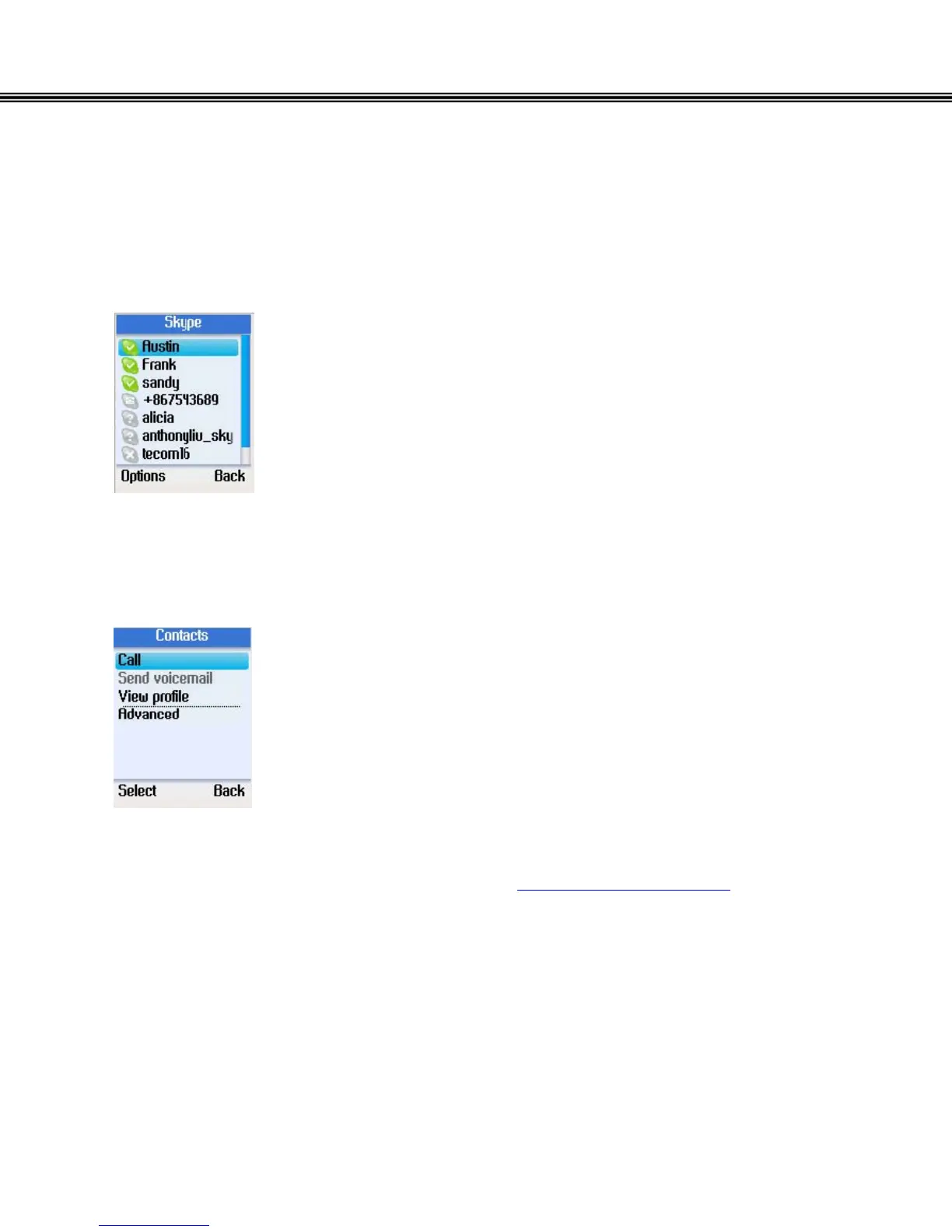
Use this option to send a voicemail message to the selected contact.
• From the main display, press the right soft button to open
the contacts list or enter the Menu and select Contacts.
• A list of your Skype contacts appears.
• Press the left soft button to select Options.
• Use the navigation button to select Send Voicemail.
• Press the left soft button to select.
Note:
Skype voice mail may not be offered free. Check www.skype.com/products for more
information about the voicemail feature.
- 18 -


 To Next Page
 Loading...



