12. Settings
Network
In the Network menu, you can configure the network connection type, IP address,
subnet mask, default gateway, and DNS information of the phone.
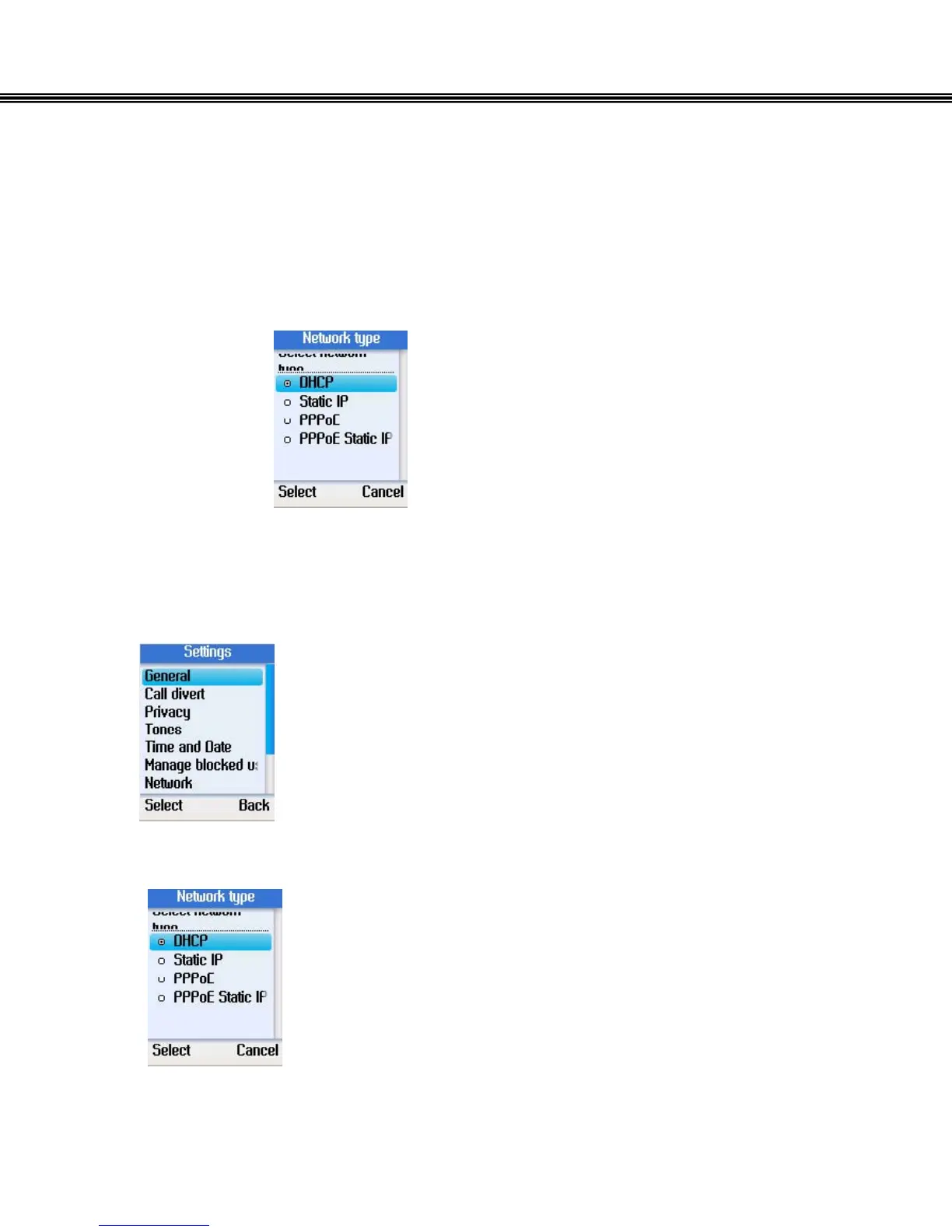
Set Network Type
• Select Network in Settings.
• Press the left soft button to continue.
• Select DHCP, Static IP, PPPoE, or PPPoE Static IP for the
network connection method used by the phone.
- 51 -


 To Next Page
 Loading...



