3. Setting up the phone
Create New Skype Account
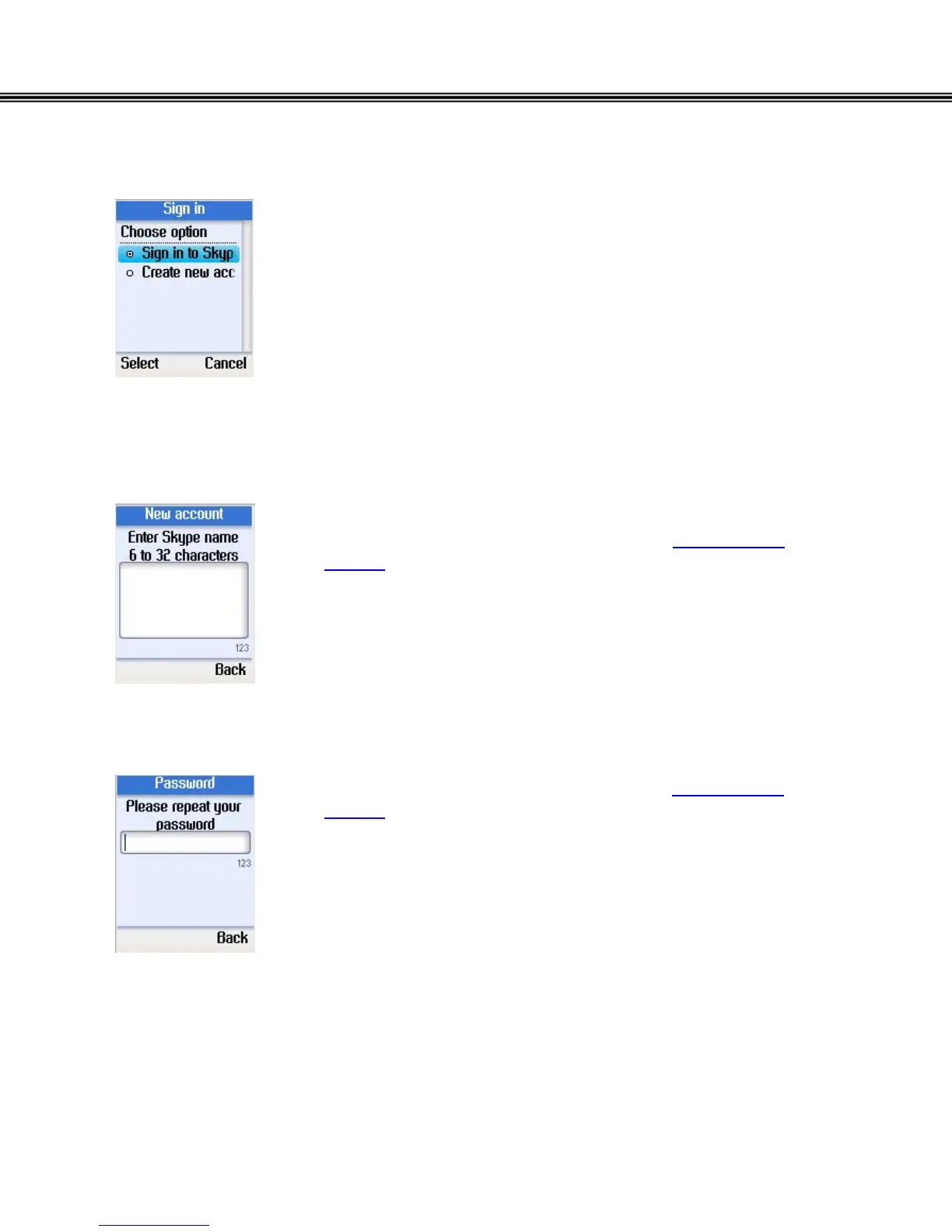
• Use the navigation button to select “Create new
account”.
• Press the left soft button to select.
• Enter a unique Skype user name of 6 to 32 characters
using the alphanumeric keypad. (refer to Alphanumeric
Keypad)
• Press the left soft button to continue.
• Using the Alphanumeric Keypad, (refer to Alphanumeric
Keypad), enter a password of 4 to 20 characters.
• Press the left soft button to continue.
- 14 -


 To Next Page
 Loading...



