Xerox
®
DocuMate
®
3640
User’s Guide
129
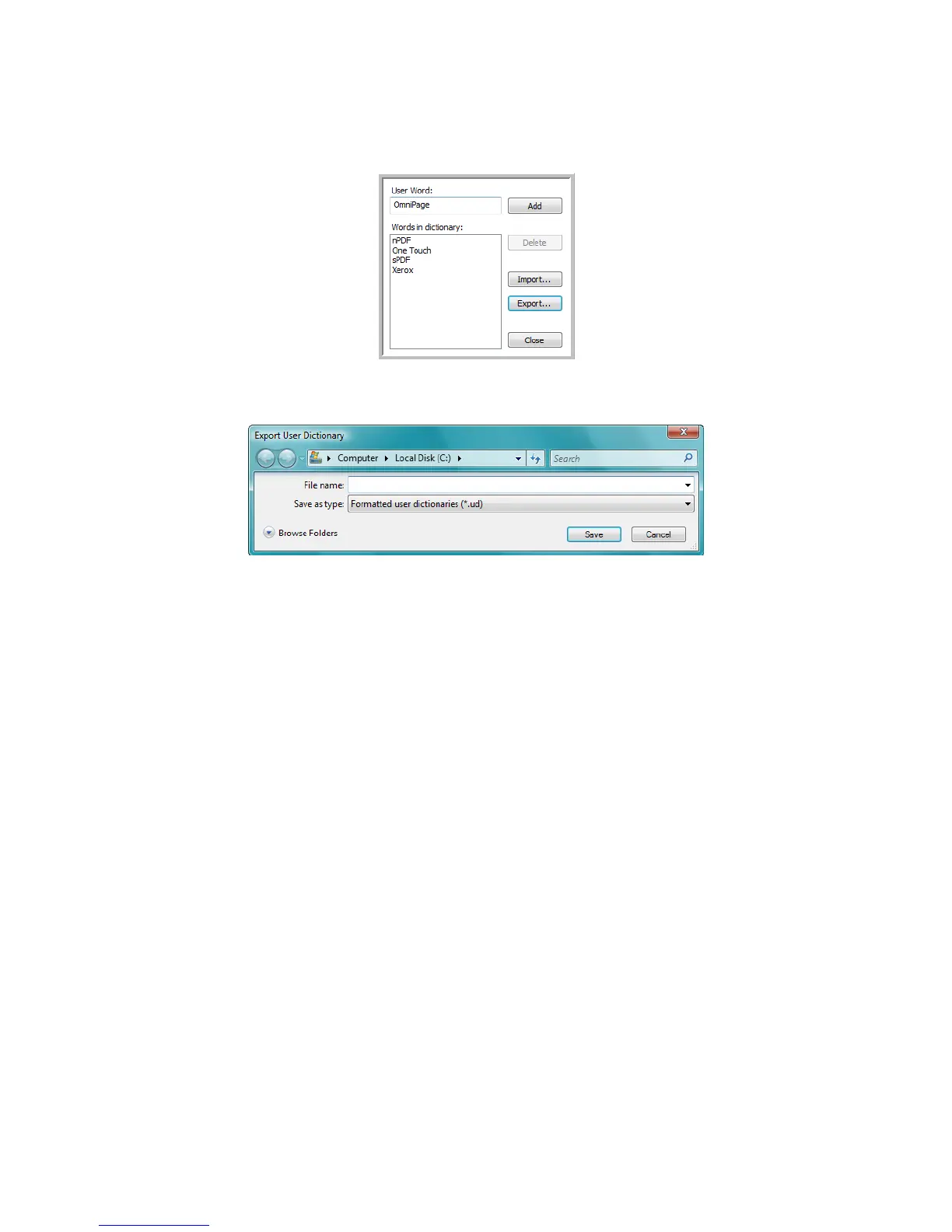
6. To export a user dictionary so it can be used by another program, select the dictionary on the User
Dictionary Files list and click Export.
The Export User Dictionary window opens.
7. Select the dictionary file to export and click Save.
The file is exported as a formatted dictionary with the .ud filename extension so it can be opened
by other programs.

 To Next Page
 Loading...