38
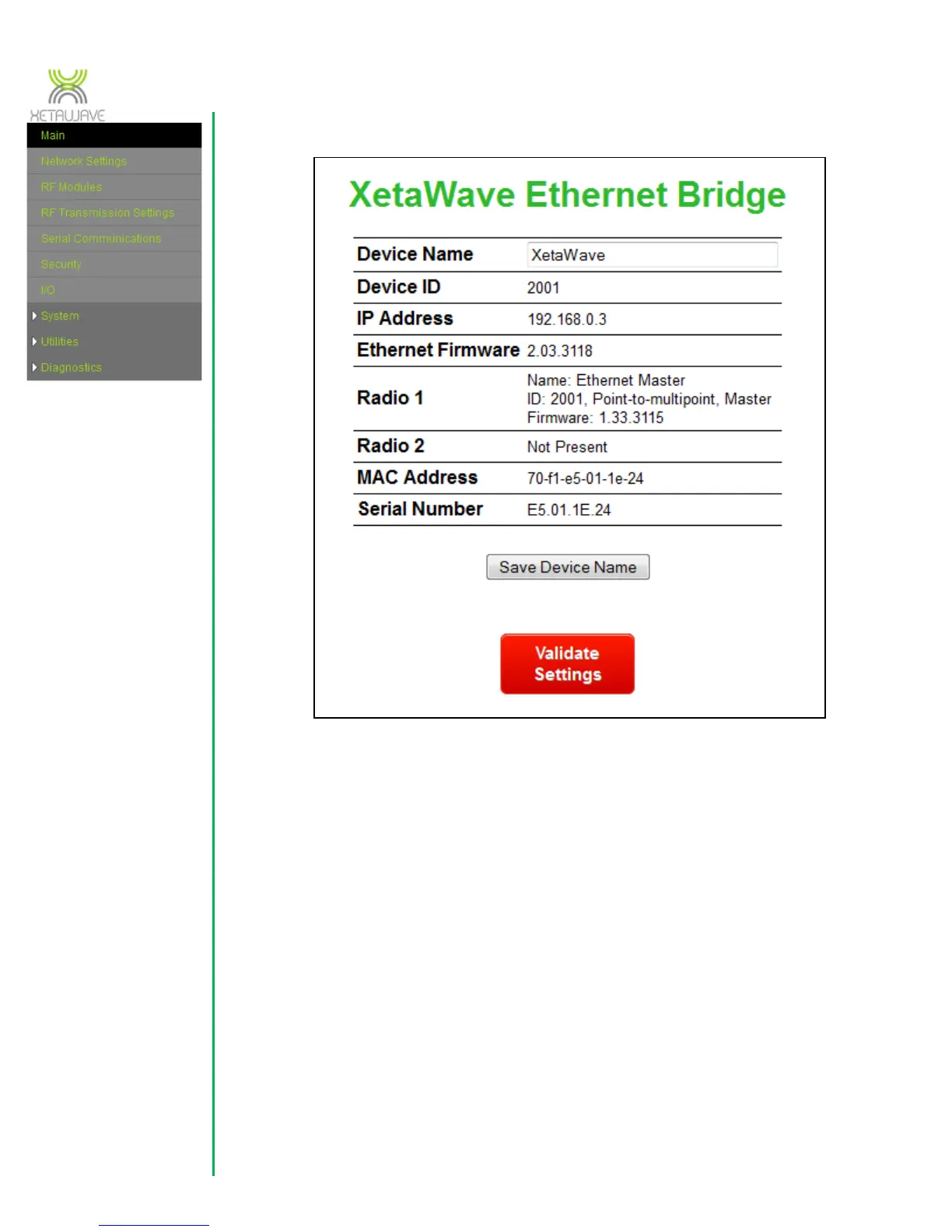
3.1 Main Menu
Device name – user-definable name to permit easier user identification with the
device. When ‘Save Device ID/name’ is clicked, the new value is also saved in
the internal flash for use after the next reset or power up.
Device ID – the Device ID is used to uniquely identify radio nodes in a XetaWave
RF network. This value currently displays the Device ID configured for the first
installed RF module.
IP address – displays the IP address configured on the “Network Settings” page.
Ethernet firmware – displays the version number for the currently running
Ethernet firmware.
Radio 1 – displays information about RF Module #1. When the web interface is
accessed immediately after a power-cycle or reboot the radio firmware values will



 To Next Page