44
3.3 RF Modules
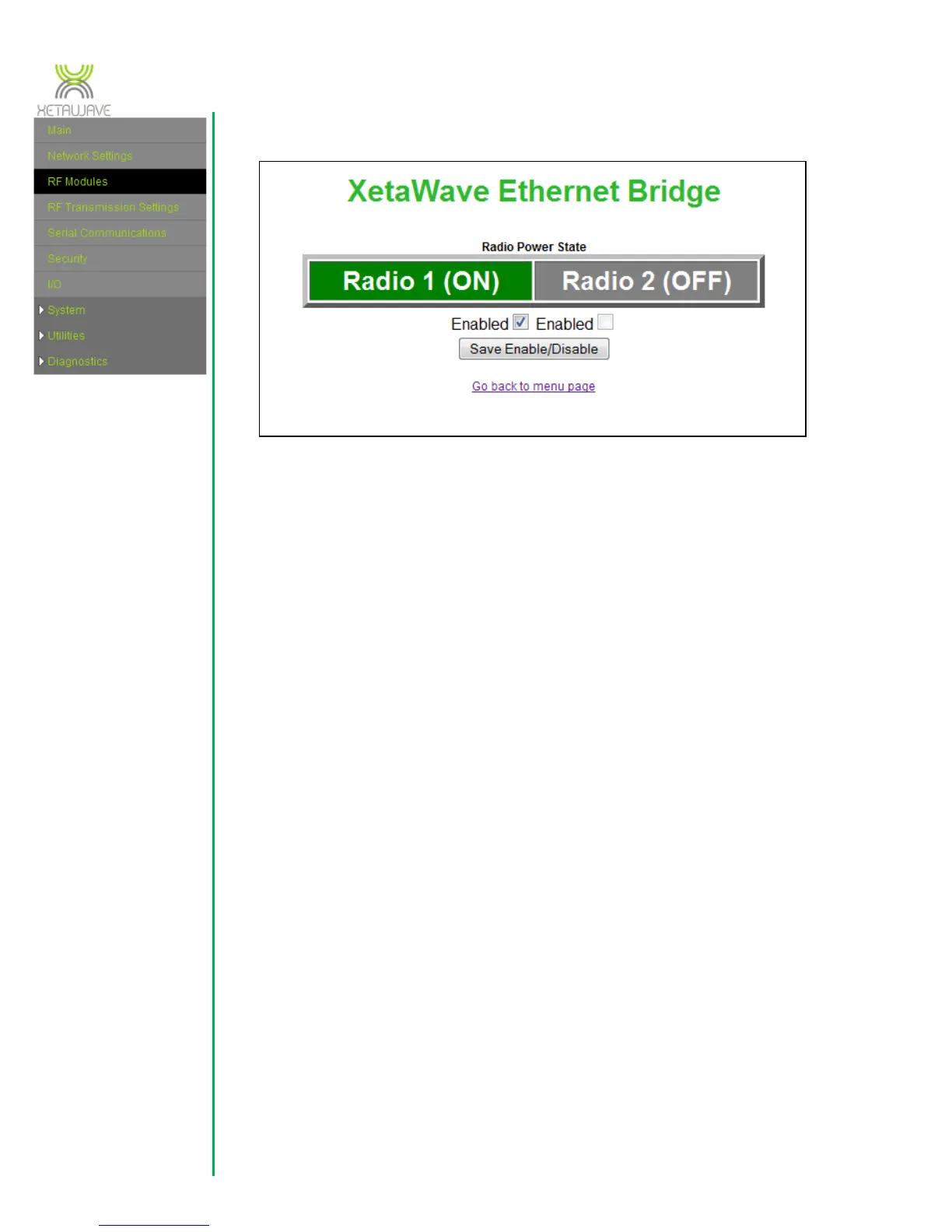
This page graphically displays the current state of each installed radio.
Click a “Radio” button to toggle power to a radio. A radio that is powered off will
be automatically powered back on after a 2 minute interval to prevent
inadvertently being disconnected from the radio.
In addition to being powered off temporarily, an RF module can be disabled by
un-checking the “Enabled” checkbox and pressing the “Save Enable/Disable”
button. If an RF module is disabled it will remain powered off even through
reboots and power-cycles until it is manually enabled again on this page.



 To Next Page