55
3.7 I/O and Advanced Settings
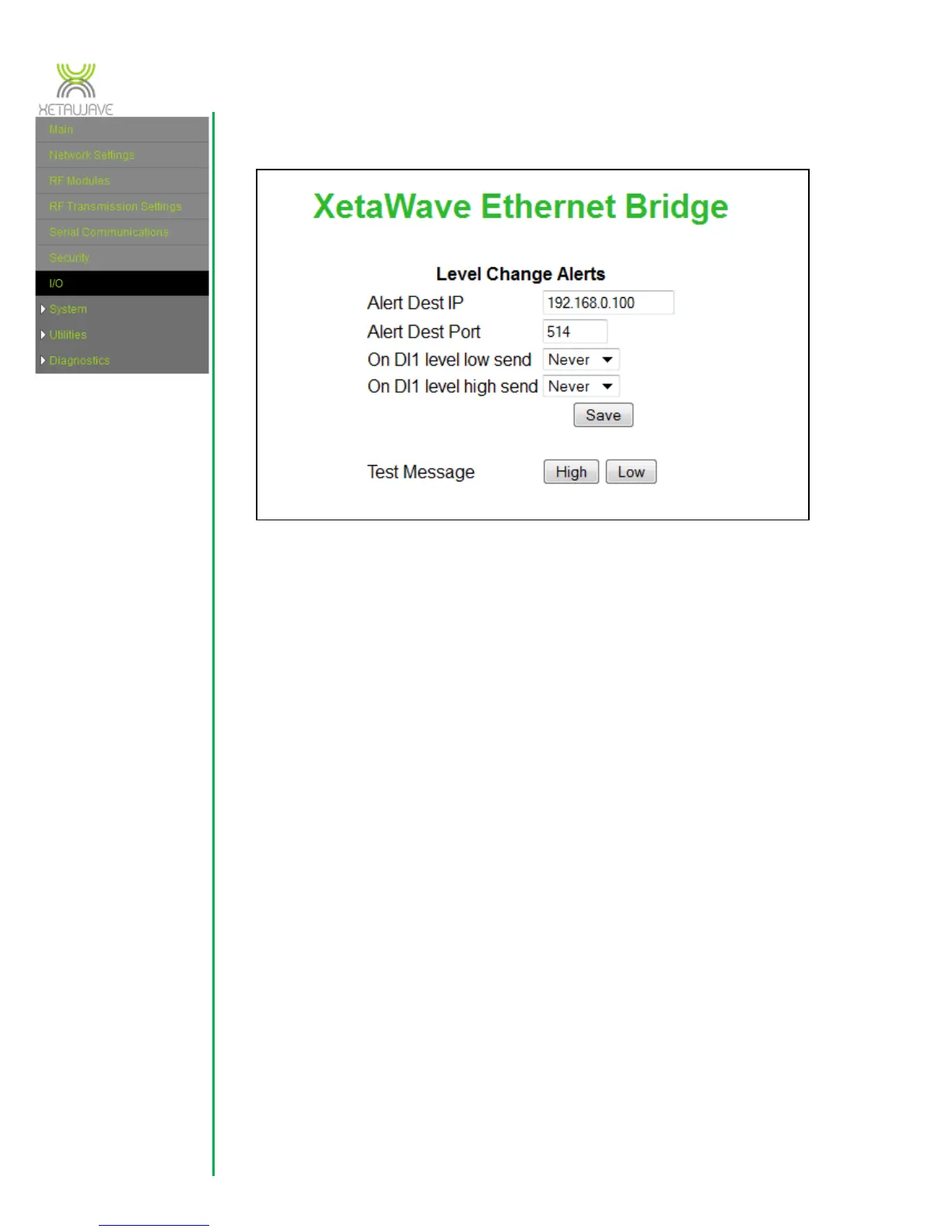
The I/O connector on the side of the radio may be used to monitor a signal level and
send an IP message based on the signal changing. Currently one Digital Input is
configurable.
The “Alert Dest IP” and “Alert Dest TCP Port” are the IP address and port that the
message will be sent to after a change of state of the input occurs.
The action can be set to either send a message when the level changes from low to high
or high to low. “On DI1 level low” will send a message when the level becomes low
while “On DI1 level high” will send a message when the level becomes high. The
message can be a one-time only message, or can repeat every hour while the state is
high (or low).
Finally the operation can be tested using the “High” and “Low” buttons.
The message format is shown below for the High and the Low cases:
<13>1 - 192.168.0.54 Xeta9-E - - - DI1 is high.1
<13>1 - 192.168.0.54 Xeta9-E - - - DI1 is low. 0
3.7.1 I/O and Advanced Settings for Xeta9x-E, Emancipator+
The settings above do not apply for the Xeta9x-E because the Xeta9x-E does not have
the option for I/O.



 To Next Page