56
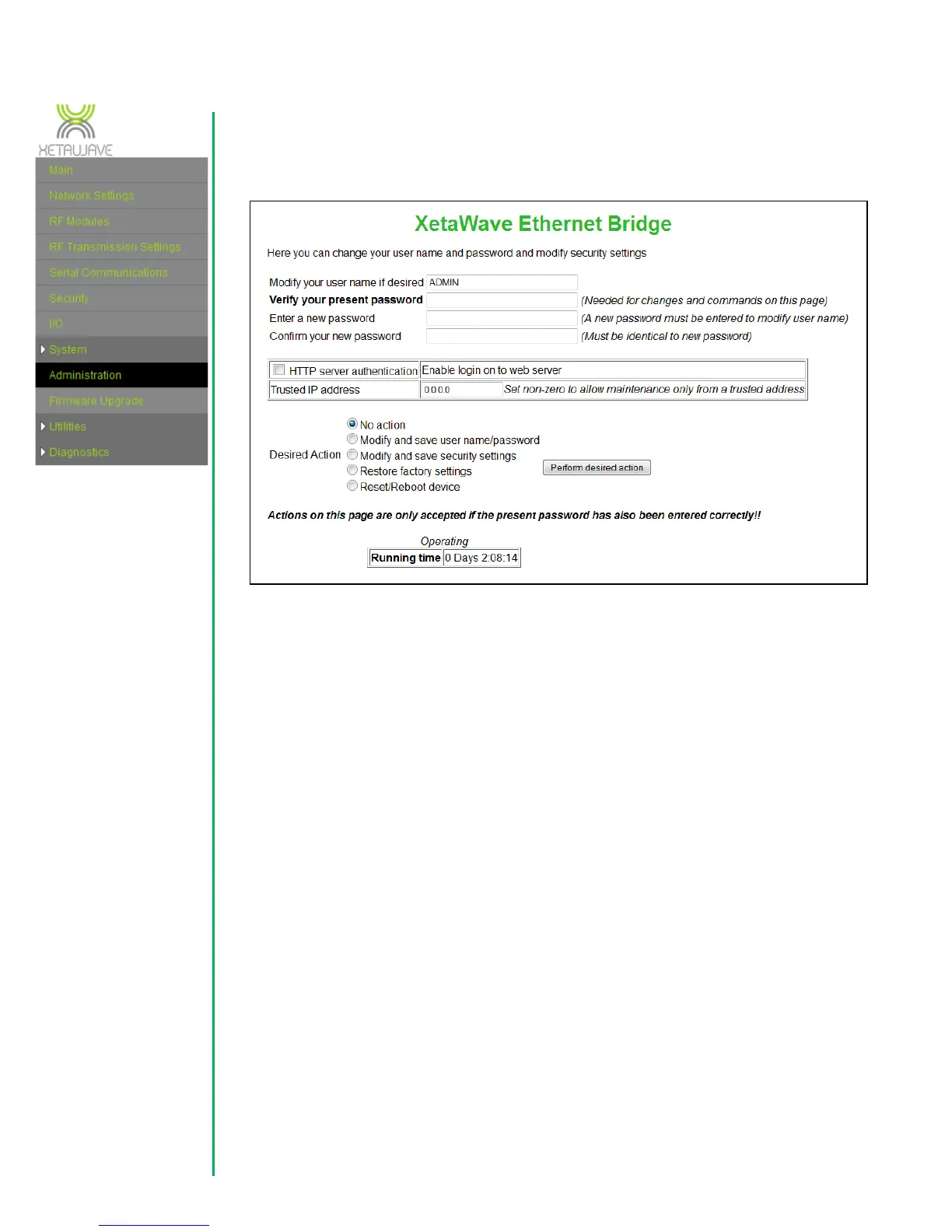
3.8 System - Administration
Default password: ADMIN
The HTTP server can be configured to require basic authentication, requiring the user
name and password when a new connection is established. A “Trusted IP Adress” may
be set to allow access only from that IP address.
The previous settings are modified and saved by setting the desired action to “Modify
and save server settings” and clicking on “Perform desired action”.
A further action is “Restore factory settings” which returns the device to default
settings. This also provokes a reset of the device and if the default settings cause the
network values to be modified it will automatically start a three minute validation
period meaning that it will also be necessary to establish a connection using the ‘factory
settings’ and validate them before the original ones will become permanent. This is
again to ensure that there is no danger of losing contact with a remote device. The
default device IP address is: 192.168.0.3. The last action is a simple reboot of the
device.



 To Next Page