15
2 Quick Start Guide – Point to Multi-Point
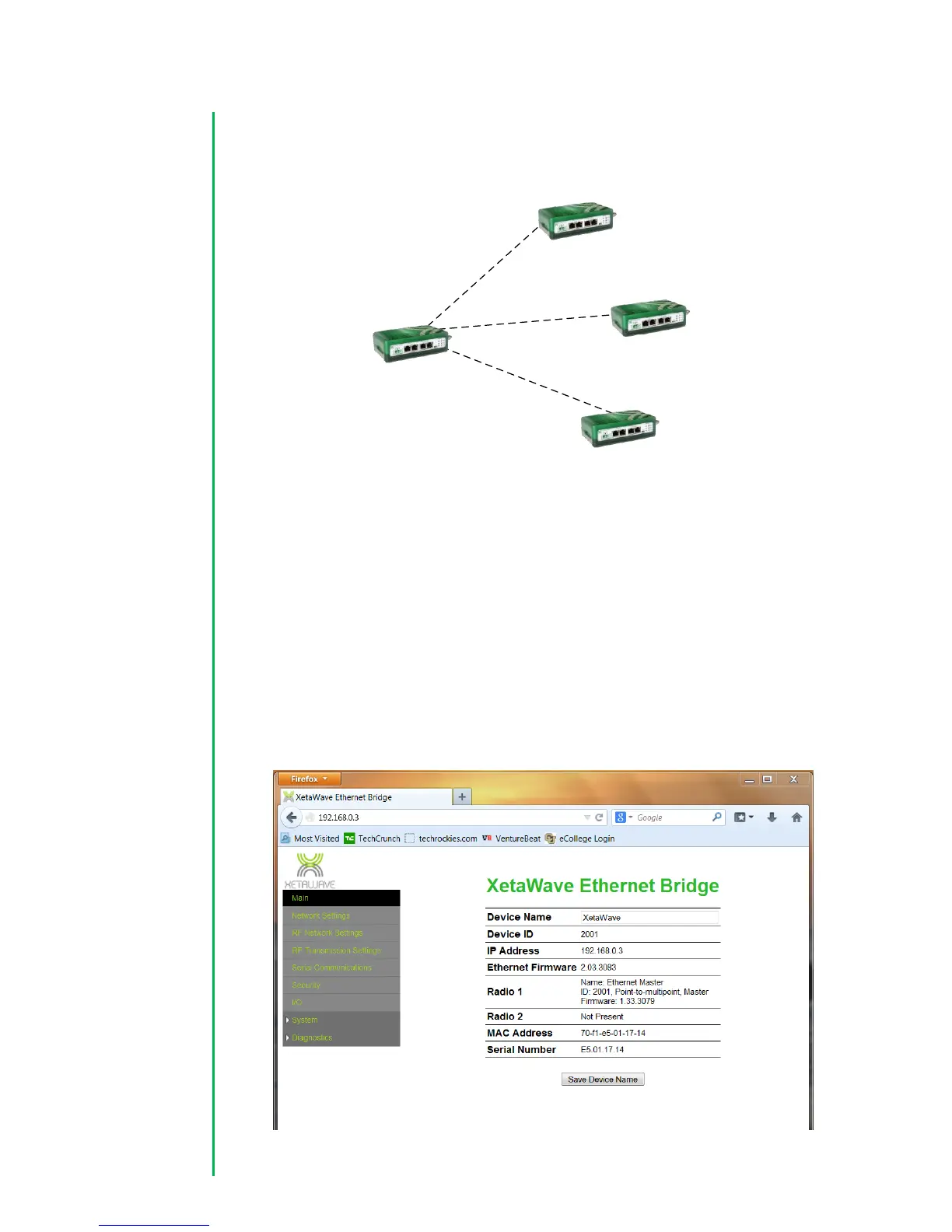
This guide provides step-by-step instructions to configure a basic Point to Multi-Point
network using either the 900 MHz ISM or MAS band. Detailed information on addition
configuration options is provided in the web interface overview section.
2.1 AP (Master) Radio Configuration
2.1.1 IP Configuration
1. Open up a web browser and enter the IP address of the radio. The default IP
address of a Xeta9-E is set to 192.168.0.3 at the factory.



 To Next Page