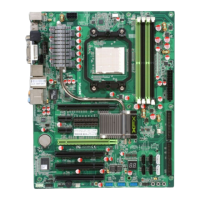
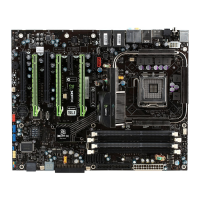
XFX nForce 780i 3-Way SLI Motherboard
98
Enabling 3-Way SLI
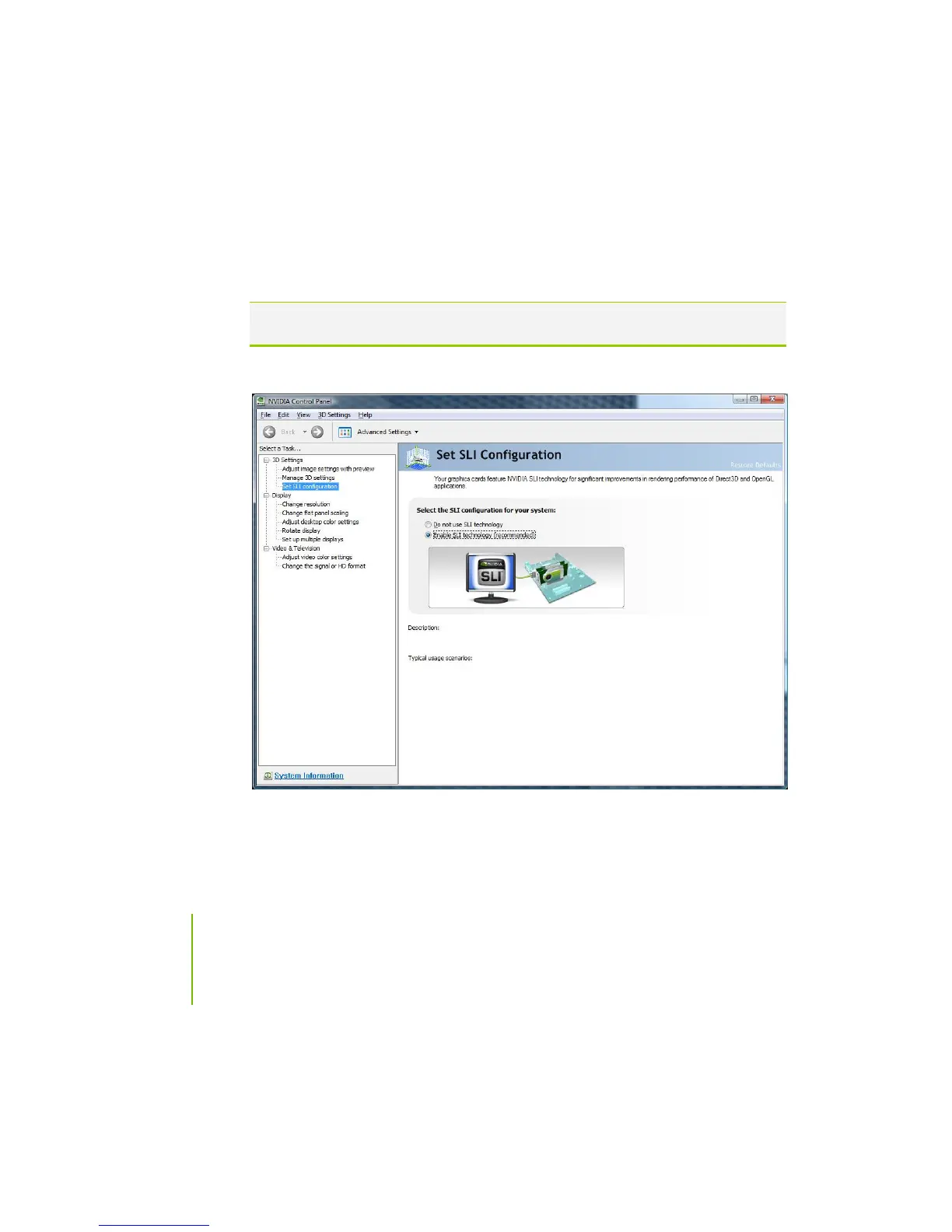
3-way NVIDIA SLI is enabled from the
NVIDIA Control Panel
. Right mouse
click on the Windows desktop and select NVIDIA Control Panel. Go to
3D
Settings
Set SLI configuration
(Figure 19) and select
Enable SLI technology
(recommended)
. After selecting this option, you will be prompted to verify the
settings have been successfully configured.
Note: Selecting Do not use SLI Technology sets the configuration into single GPU
mode.
Figure 19. NVIDIA Control Panel, Set SLI Configuration


 To Next Page
 Loading...