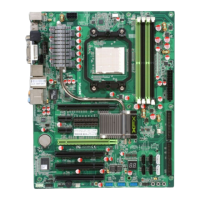
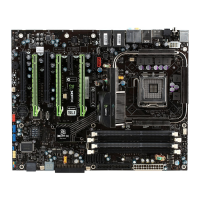
XFX nForce 780i 3-Way SLI Motherboard
32
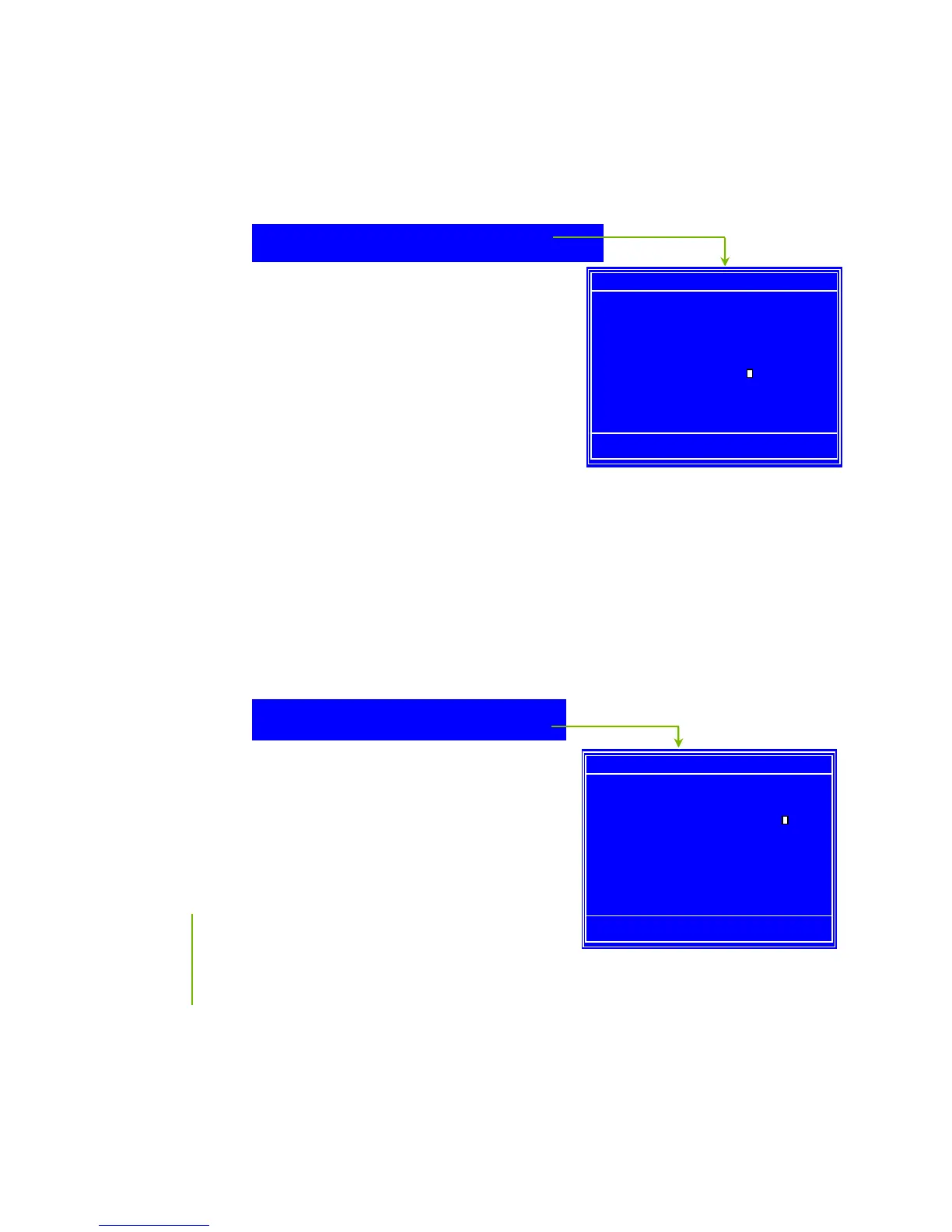
Drive A
None ..... [ ]
360K, 5.25 in. ..... [ ]
1.2M, 5.25 in. ..... [ ]
720K, 3.5 in. ..... [ ]
1.44M, 3.5 in. ..... [ ]
2.88M, 3.5 in. ..... [ ]
:Move ENTER:Accept ESC:Abort
Halt On
All Errors ..... [ ]
No Errors ..... [ ]
All , But Keyboard ..... [
]
All , But Diskette ..... [ ]
All , But Disk/Key ..... [ ]
:Move ENTER:Accept ESC:Abort
Drive A
The
Drive A
option allows you to select the kind of FDD to install.
Options are:
None
360K, 5.25 in.
1.2M, 5.25 in.
720K, 3.5 in.
1.44M, 3.5 in.
2.88M, 3.5 in.
Use the
Page Up
and
Page Down
keys to scroll
through the options or press
Enter
to display
the sub-menu. Use the arrow keys to
position the selector in the option you choose. Press
Enter
to accept the
changes and return to the Standard CMOS Features menu.
Halt On
Halt On
determines whether or not the computer stops if an error is detected
during power on. Use the
Page Up
and
Page Down
keys to scroll through the
options or press
Enter
to display the
Halt On
sub-menu. Use the arrow keys
to position the selector in the option you choose. Press
Enter
to accept the
changes and return to the Standard CMOS Features menu.
All Errors
Whenever the BIOS detects a nonfatal
error, the system stops and prompts you.
No Errors
S
ystem boot does not stop for any detected
errors.
Drive A [1.44, 3.5 in.]
Halt On [All , But Keyboard]
Drive A [1.44, 3.5 in.]
Press ENTER to display sub
Press ENTER to display sub


 To Next Page
 Loading...