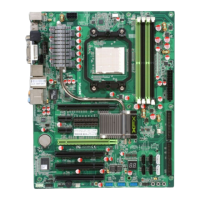
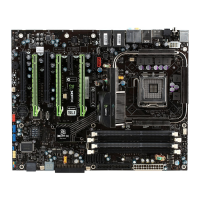
XFX nForce 780i 3-Way SLI Motherboard
58
POWER ON Function
This function on the Power Management Setup menu allows you to define the
power-on function. Options for this function are:
BUTTON ONLY
Keyboard 98
Password
When
[Password]
is selected, the
KB Power ON Password
function is
enabled so that you must enter a password.
Hot Key Power On
When
[Hot Key]
is selected, the
Hot key Power On function
is
enabled so that you must select a keyboard key as the hot key. To select a hot
key use
Ctrl+F1
though
Ctrl+F12
Mouse Left
Mouse Right
Any Key
POWER ON Function [Hot key]
x
KB Power ON Password Enter
Hot Key Power On [Ctrl-F1]
POWER ON Function [Password]
KB Power ON Password [Enter]



 To Next Page
 Loading...