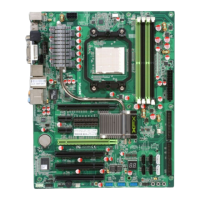
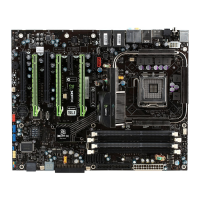
XFX nForce 780i 3-Way SLI Motherboard
54
RAID Enable [Disabled]
x
SATA 0 Primary RAID Disabled
x
SATA 0 Secondary RAID Disabled
x
SATA 1 Primary RAID Disabled
x
SATA 1 Secondary RAID Disabled
x
SATA 2 Primary RAID Disabled
x
SATA 2 Secondary RAID Disabled
OnChip USB [Disabled]
x
USB Keyboard Support Enabled
x
USB Mouse Support Enabled
RAID Config
Press
Enter
to display the RAID Config menu.
RAID Enable
Use this function to enable or
disable RAID. When RAID is set
to
[Disabled]
, all SATA
functions are changed to
Disabled
and cannot be changed.
SATA x Primary/Secondary
When
RAID Enable
is set to
[Enabled]
, you can enable or disable the
various SATA functions.
USB Config
Press
Enter
to display the USB Config menu.
OnChip USB
Use this function to enable specific versions of the USB or disable the onchip
USB. When the onchip USB is set to
[Disabled]
, the keyboard and mouse
support functions are set to
Enabled
and cannot be changed. Versions that
can be selected are
[V1.1+V2.0]
or
[V1.1]
.
USB Keyboard/Mouse
Support
Use these function to enable or disable the onchip WSB support of the
keyboard and/or mouse.
OnChip USB [Enabled]
USB Keyboard Support [Disabled]
USB Mouse Support [Disabled]
RAID Enable [Enabled]
SATA 0 Primary RAID [Disabled]
SATA 0 Secondary RAID [Disabled]
SATA 1 Primary RAID [Disabled]
SATA 1 Secondary RAID [Disabled]
SATA 2 Primary RAID [Disabled]
SATA 2 Secondary RAID [Disabled]


 To Next Page
 Loading...