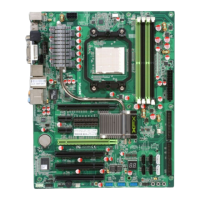
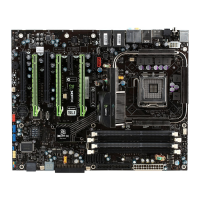
XFX nForce 780i 3-Way SLI Motherboard
28
System Monitor
Use this menu to monitor the real-time system status of your PC, including
temperature, voltages, and fan speed.
The following items on the CMOS Setup Utility main menu are commands
rather than submenus:
Load Defaults
Load default system settings.
Set Password
Use this command to set, change, and disable the password used to access the
BIOS menu.
Save & Exit Setup
Use this command to save settings to CMOS and exit setup.
Exit Without Saving
Use this command to abandon all setting changes and exit setup.
SLI-Ready Memory is a status indicator displayed at the bottom of the BIOS
screen. The three status indicators are:
Enabled: SLI-Ready memory is detected and enabled.
Disabled: SLI-Ready memory is detected but disabled.
Not Detected: SLI-Ready memory is not detected.

 To Next Page
 Loading...