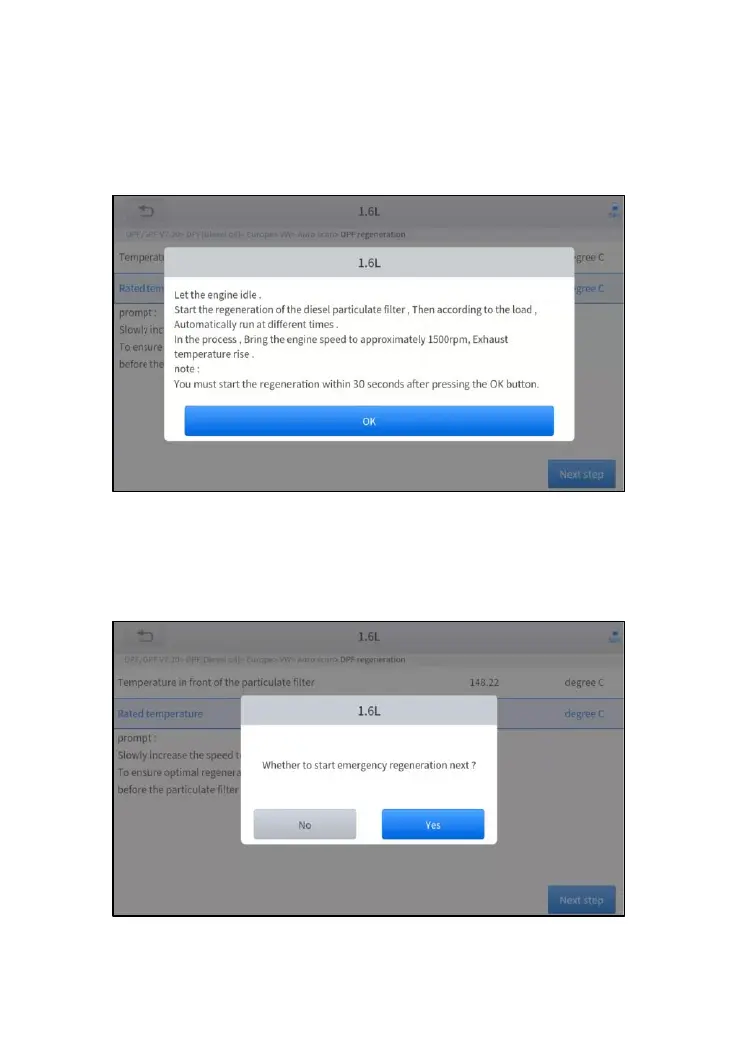
Figure 5-12 Sample of DPF function (screen 3)
8. Follow the instructions displayed and press OK after completing the
instructions shown. Please pay attention to the Note.
Figure 5-13 Sample of DPF function (screen 4)
9. Press the OK button to start the regeneration.
Figure 5-14 Sample of DPF function (screen 5)



 To Next Page