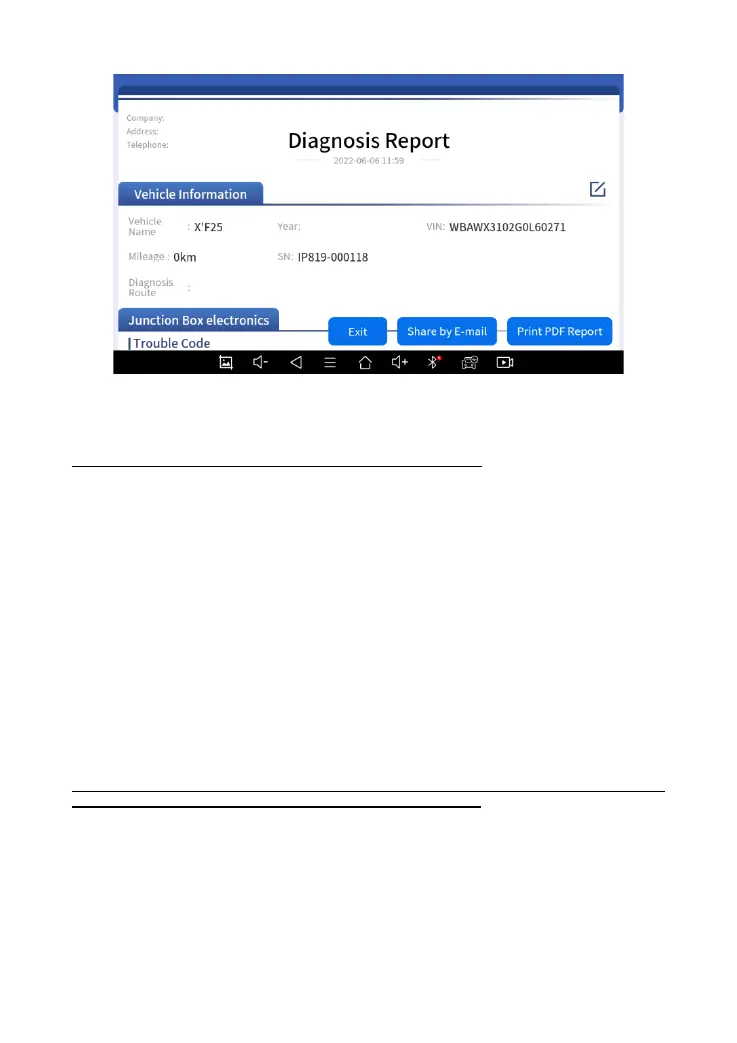
Fig 7-4 Sample of Report
Note:
The vehicle information is allow to edit by click the pen icon.
◼ Print PDF Report
As you can see, you also could click " Print PDF Report " at the bottom
right corner to output the pdf report. If you need to close the report, you
could tap on the button “Exit”.
Please follow the below steps to print your report▼
Step 1: Install an APP that can drive your target printer. Add the printer and
input the IP address of the printer in the APP, or you can contact your dealer
for help.
D7 Smart Diagnostic System doesn’t provide the printer driver software, please install a third
part App on the tablet if you need the print your Diagnostic report.
Step 2: Back to the Android main menu, go to Settings -> Printing-> Turn
printer on.
Step 3: Report-> Choose report-> Print PDF Report-> Print



 To Next Page