2 GETTING STARTED
2.1. ACTIVATION
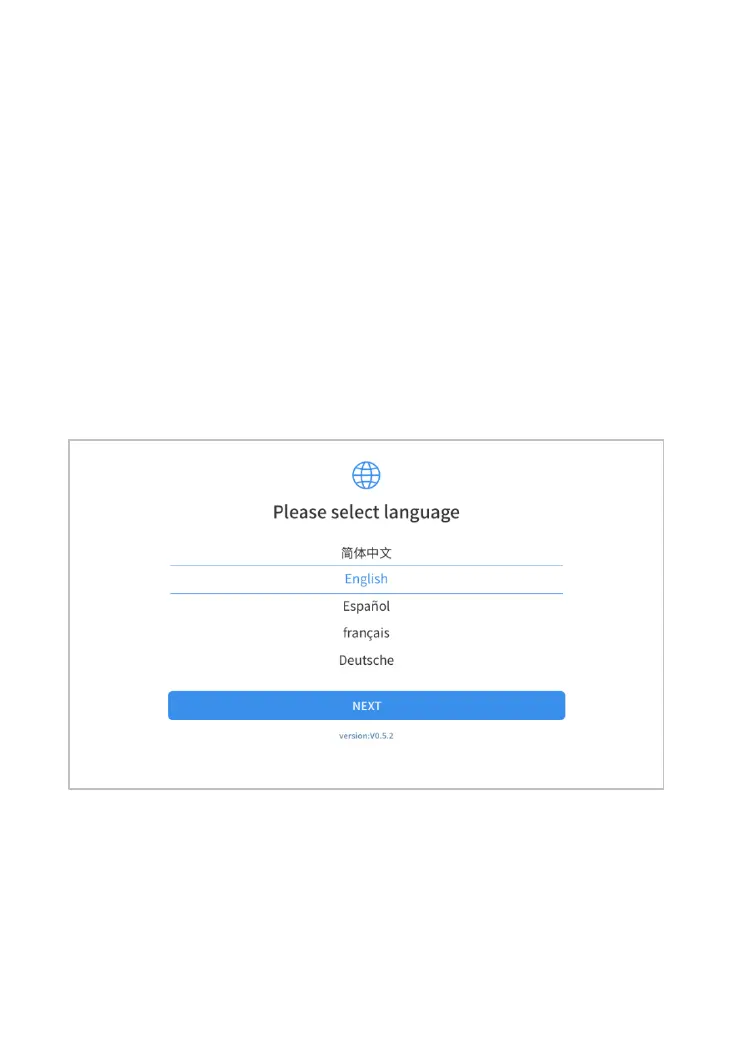
After first-time users press and hold the power button to turn
on the system, the system will automatically enter the guide
process and request to select the language for the operating
system.
Figure 2-1 Sample of Selection Languages
After setting the system language, you will enter the activation
page, as shown in the figure below. You can also click the



 To Next Page