DIAGNOSIS SYSTEM ENTRANCE
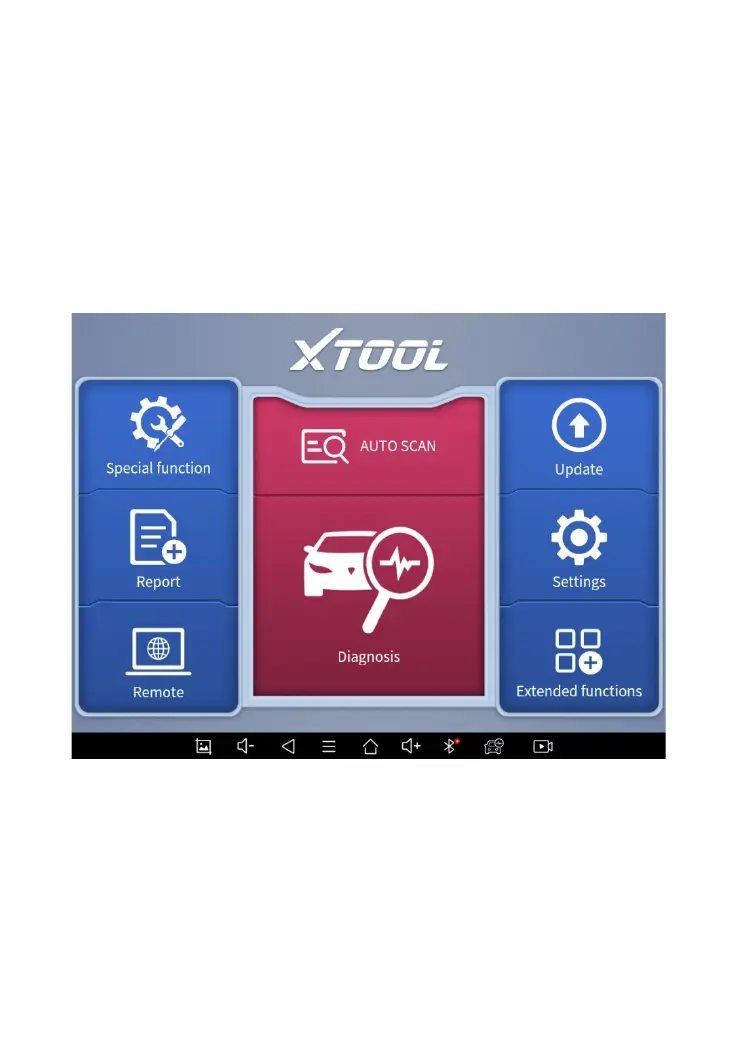
Once activated, you will automatically enter the diagnostic
system with the following main screen. Tap on the diagnosis
application button on the menu, the main interface will be
shown as below:
Figure 2-7 Sample of APP Main Page
The main interface is mainly composed of Function Buttons
and Navigation Buttons. The touch screen navigation is
menu-driven, and you can quickly access functions by clicking



 To Next Page