on the option title and answering the dialogue window. A
detailed description of the menu structure can be found in the
next section Function Buttons.
FUNCTION BUTTONS
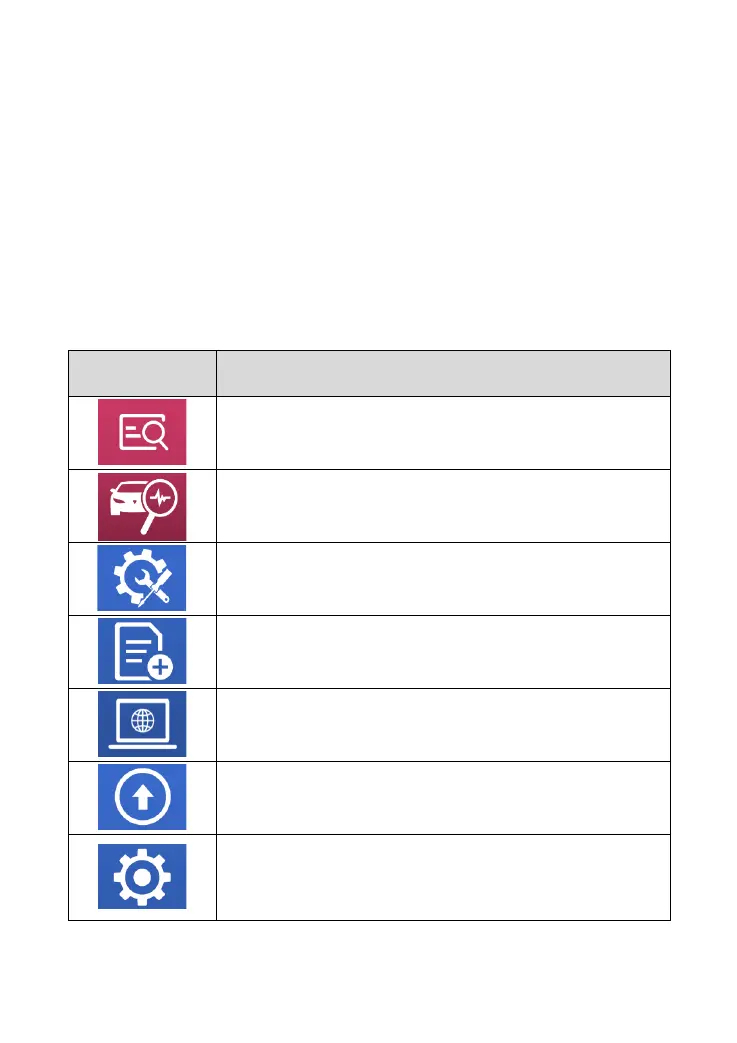
The following table briefly describes each function button
Table 2-2
Quickly access to the vehicle system to identify
the vehicle VIN code
Enter to select a vehicle
Includes special functions for car diagnosis
You can view the vehicle diagnostic report
In case of failure, you can control the
diagnostic equipment remotely
Users can upgrade the upgradeable software
with one click
Users can set the language, unit, Bluetooth,
repair shop information, also can view
information about this software



 To Next Page