R90 ONLINE USER’S MANUAL UNINTERRUPTIBLE POWER SUPPLY (UPS)
Xtreme Power Conversion Corporation (Rev 3/7/14) Page 44
Parameters setting
The setting function is controlled by 3 buttons (Enter , Off , On )
Enter - goes into the setting page and value adjustment
Off and On - is for choosing different pages
Enter setting mode after the UPS is on by pressing and for 2 seconds
Exit setting mode by waiting 30 seconds after last button has been pressed. Settings will not be
saved when exiting setting mode in this option.
Save Settings by adjusting parameters on each setting screen a needed. Once the last
parameter screen has been reached (parallel redundancy quantity setting) press to exit and
save all settings.
Mode setting
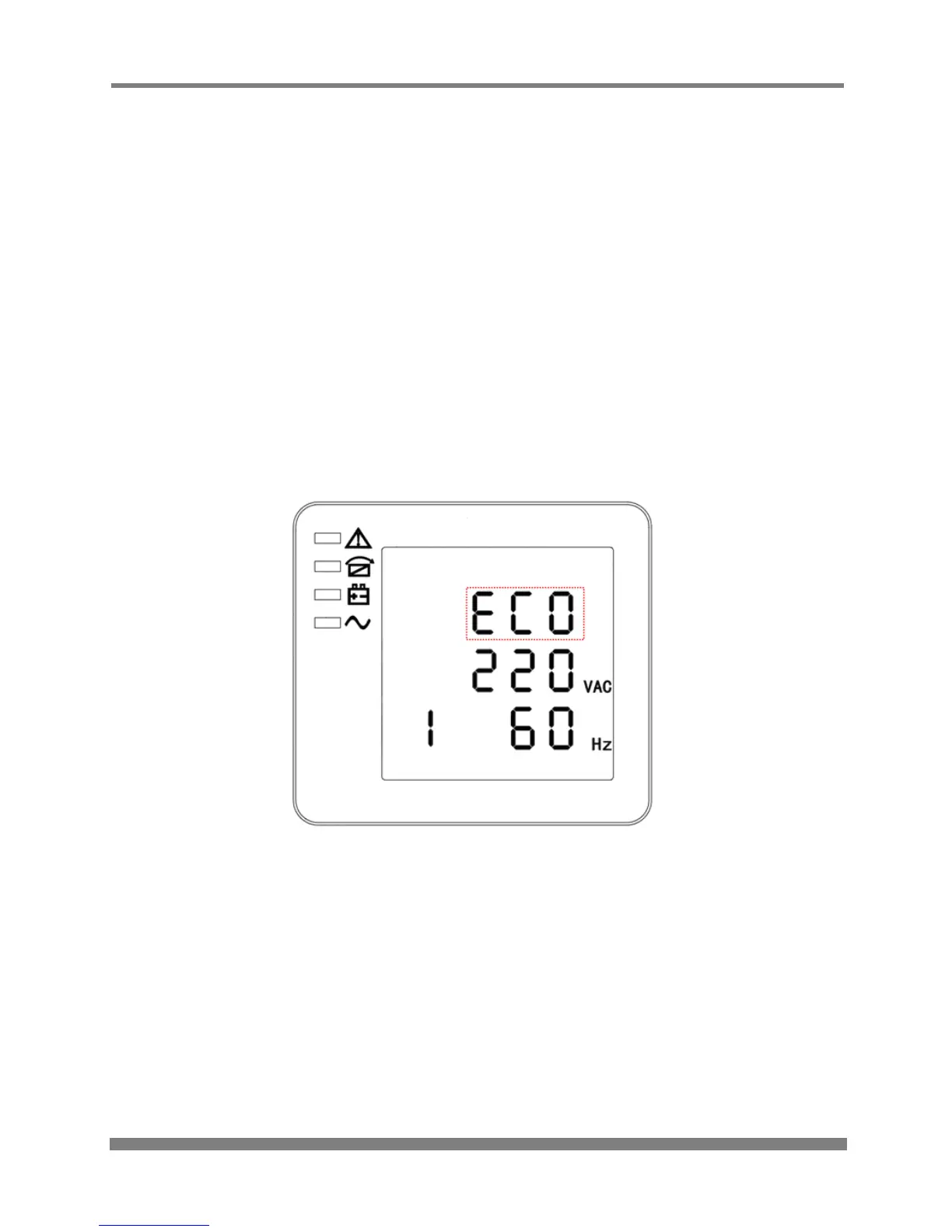
MODE SETTING
(Note: the information in the red box will be flashing)
After entering the setting menu, mode setting is defaulted, and the model setting line flashes as in
above image. Use the Enter button to choose different modes. There are 3 different modes for
setting: ECO, PAL, and NOR. Press Off or On to exit the mode setting (save the mode setting), and
then goes to output voltage setting or parallel redundancy quantity setting.



 To Next Page