R90 ONLINE USER’S MANUAL UNINTERRUPTIBLE POWER SUPPLY (UPS)
Xtreme Power Conversion Corporation (Rev 3/7/14) Page 48
Battery quantity setting
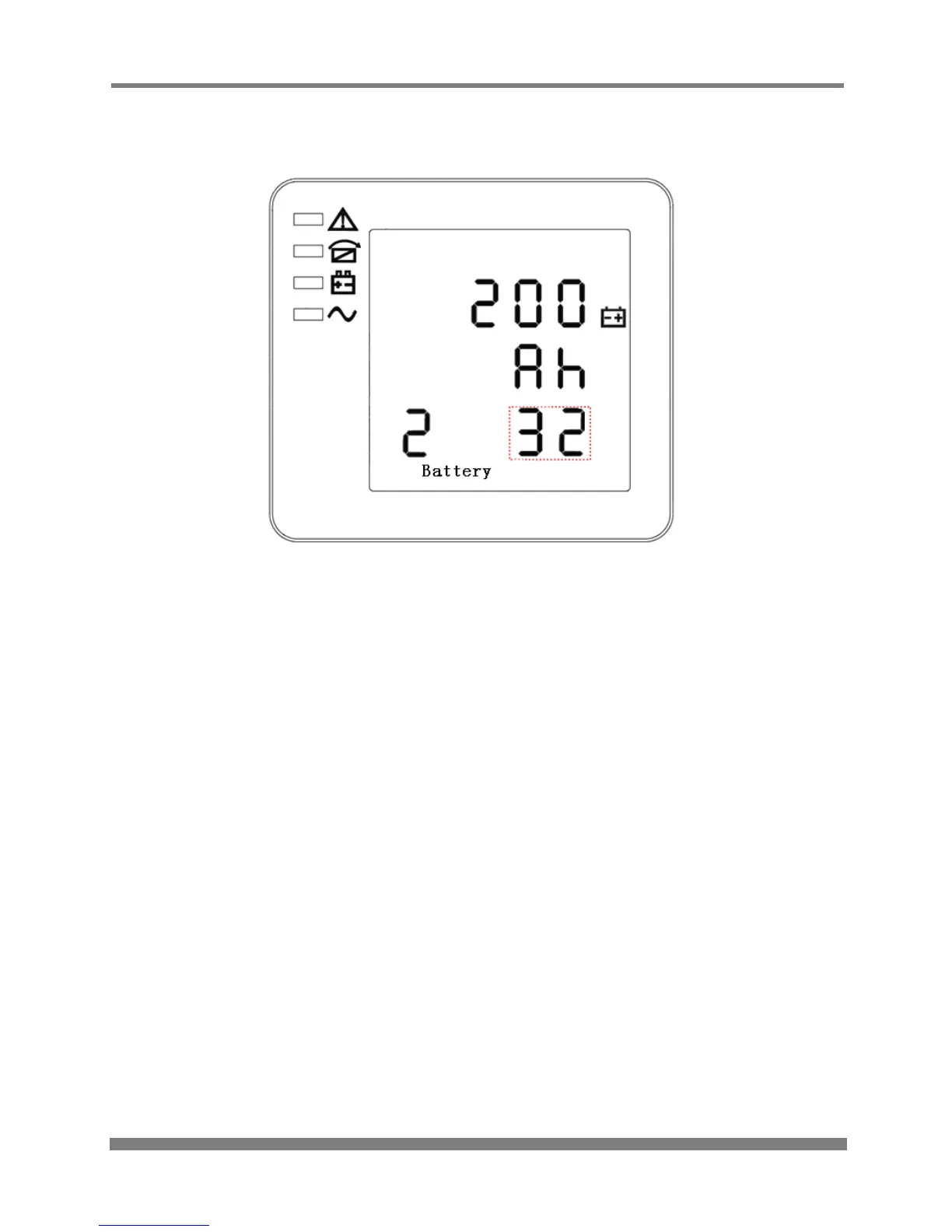
BATTERY QUANTITY SETTING
(Note: the information in the red box will be flashing)
When in battery capacity setting press On or when in bypass voltage upper limit setting press Off
to go to the battery quantity setting mode. The battery quantity line flashes as in the above image. Use
the Enter button to choose different battery quantity. Battery quantity range is 32, 34, 36, 38, 40.
Press Off or On to exit the battery quantity setting (save the battery quantity setting), and then
goes to battery capacity setting or bypass voltage upper limit setting.



 To Next Page