11
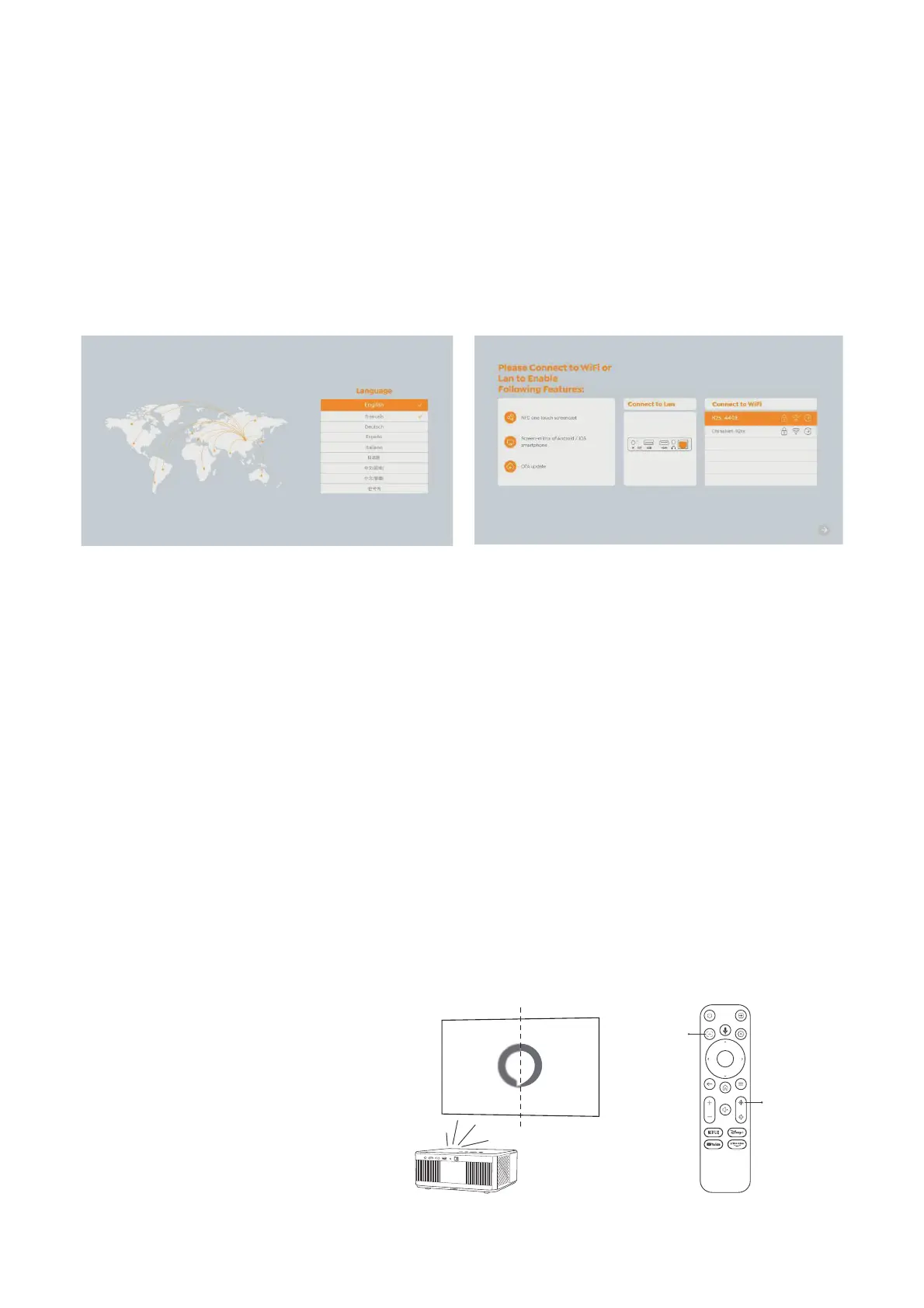
6.1.3. First time setup
6.2. Image Adjustment
6.2.1. Focus
Auto Focus
Manual Focus
When you turn on the projector for the first time or the projector is reset to the Factory
Default Settings, you are prompted to make the first time setup.
You can select your system language, Wi-Fi, and learn about the new features and tips
of the projector. After setup, the projector will go to the Home Page.
When using the projector for the first time, it normally displays an unclear image. This
is due to the lens being out of focus or the incorrect keystone setting.
Please use the auto focus and manual focus key on remote control to get the best
image. The auto focus can also be triggered by moving the projector to another
location.
Auto-focus is enabled by default and will refocus each time the machine is moved.
If further focus adjustments are
necessary, use the focus button on
the remote control to achieve the
desired image.
Auto Focus
Focus +/-


 To Next Page