14
6.4. Media
6.4.1. Google TV
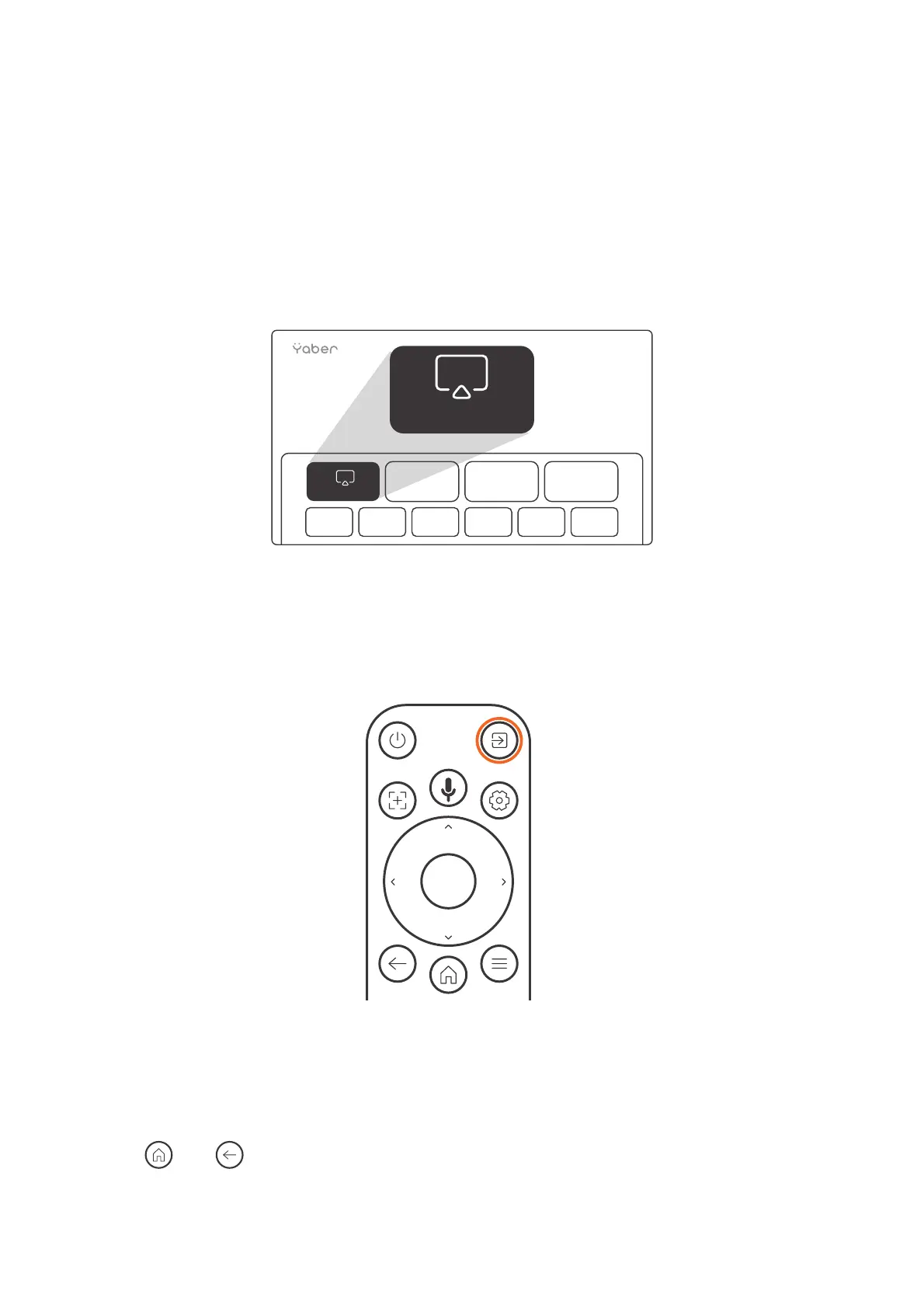
Click on TV to enter the system on the home page.
Attention: When using TV for the first time, follow the on-screen prompts for remote
control pairing and other settings.
Attention: If there is no signal, please try unplugging and unplugging the TV Dongle
again. For detailed steps, please refer to section 5.1
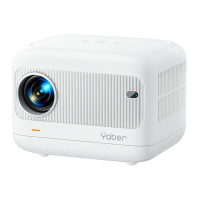
If you need to exiting Google TV, please click the video source button on the remote
control
TV
TV
Attention: When using TV for the first time, follow the on-screen prompts for remote
control pairing and other settings.
If you are using a new remote control or using google tv first time, please press.
button and for 10~30 seconds.


 To Next Page