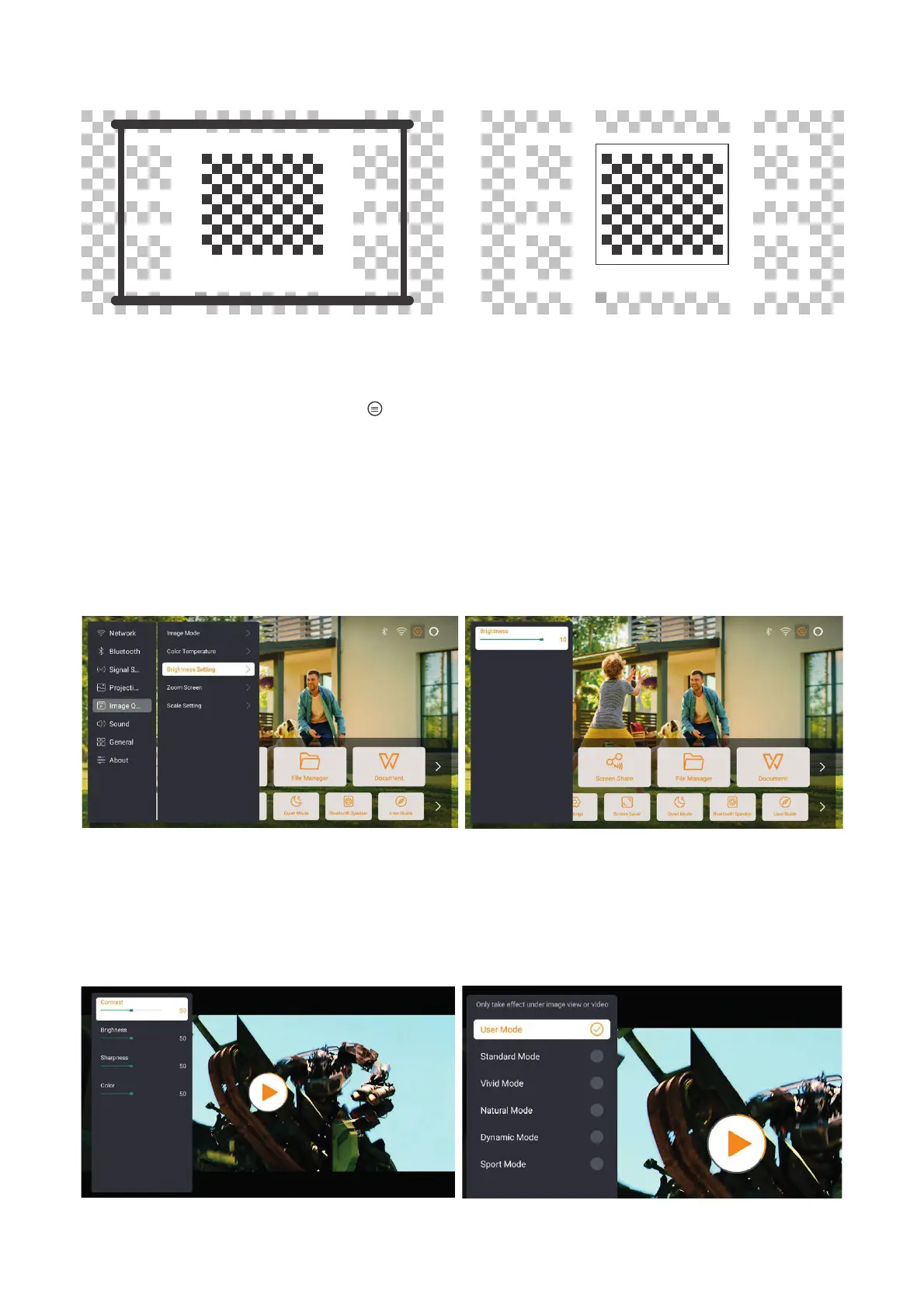
13
6.3. Picture Mode
6.3.1. Brightness
6.3.2. Image Adjustment
Attention: Hold the menu button on the remote to access settings while playing
videos or images. Besides, color adjustments only take effect during these activities.
Adjust the screen brightness through [Home] - [Settings] - [Image Quality]
-[Brightness Setting].
Adjust the image color through [Home] - [Settings] - [Image Quality] - [Picture Mode].
Attention: Only works with picture or video players


 To Next Page