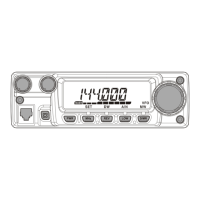
Now that you have mastered the basics of
FT-252
operation, let’s learn more about
some of the really neat features.
Keyboard Locking
To activate the locking feature, press the
[
POWER
(
)]
key momentarily.
To cancel locking press the
[
POWER
( )]
key momentarily again.
In order to prevent accidental frequency change or inadvertent transmission, various
aspects of the
FT-252
’s
DIAL
and keypad may be locked out. You may change the lock-
out combinations.
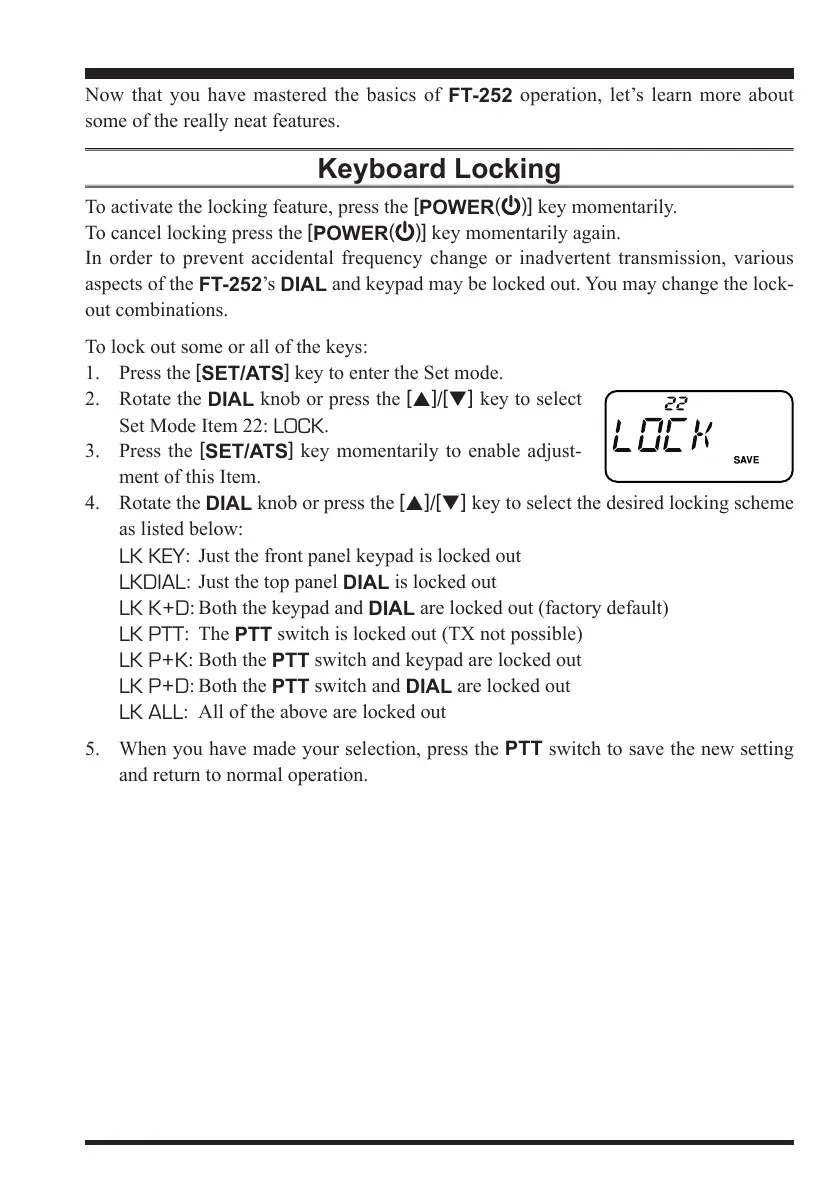
To lock out some or all of the keys:
1. Press the
[
SET/ATS
]
key to enter the Set mode.
2. Rotate the
DIAL
knob or press the
[
p
]
/
[
q
]
key to select
Set Mode Item 22:
LOCK
.
3. Press the
[
SET/ATS
]
key momentarily to enable adjust-
ment of this Item.
4. Rotate the
DIAL
knob or press the
[
p
]
/
[
q
]
key to select the desired locking scheme
as listed below:
LK KEY
: Just the front panel keypad is locked out
LKDIAL
: Just the top panel
DIAL
is locked out
LK K+D
: Both the keypad and
DIAL
are locked out (factory default)
LK PTT
: The
PTT
switch is locked out (TX not possible)
LK P+K
: Both the
PTT
switch and keypad are locked out
LK P+D
: Both the
PTT
switch and
DIAL
are locked out
LK ALL
: All of the above are locked out
5. When you have made your selection, press the
PTT
switch to save the new setting
and return to normal operation.


 To Next Page