FT-252 OperaTing Manual 13
Advanced Operation
RF Squelch
A special RF Squelch feature is provided on this radio. This feature allows you to set the
squelch so that only signals exceeding a certain S-meter level will open the squelch.
To set up the RF squelch circuit for operation, use the following procedure:
1. Press the
[
SET/ATS
]
key to enter the Set mode.
2. Rotate the
DIAL
knob or press the
[
p
]
/
[
q
]
key to select
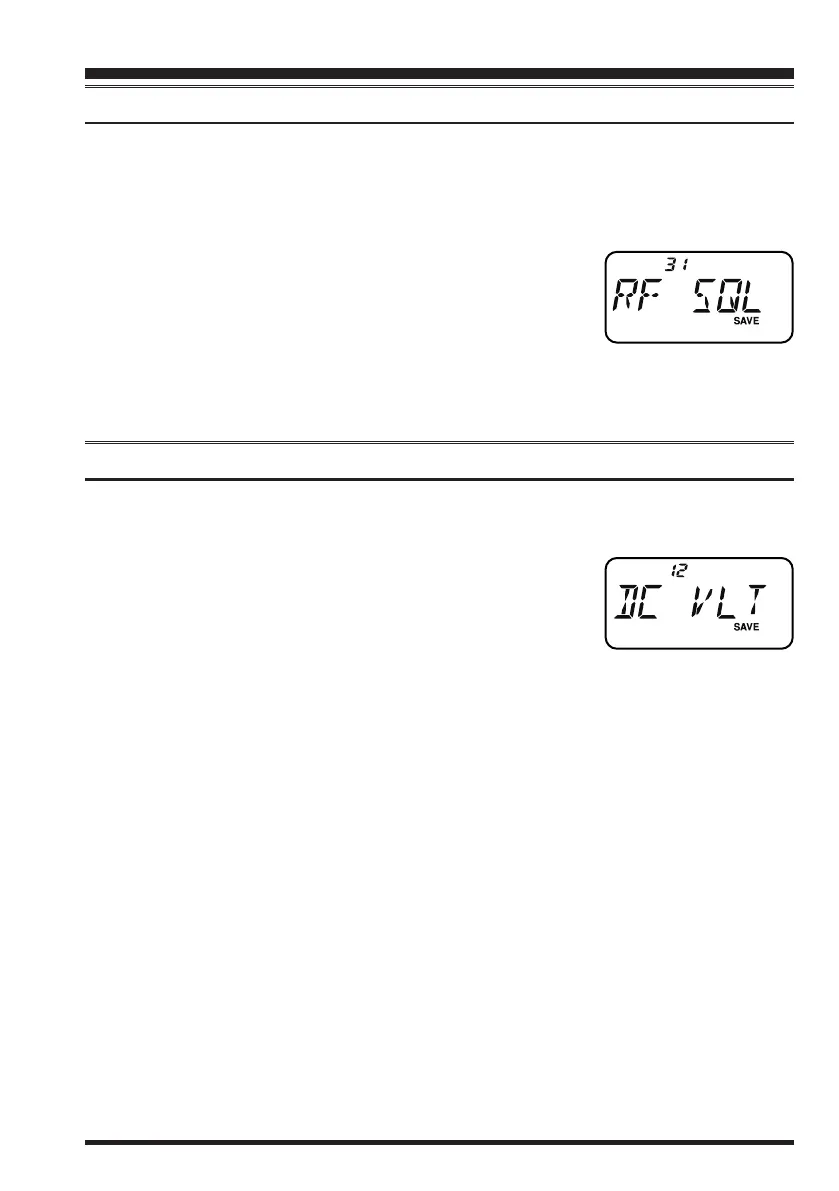
Set Mode Item 31:
RF SQL
.
3. Press the
[
SET/ATS
]
key momentarily to enable adjust-
ment of this Item.
4. Rotate the
DIAL
knob or press the
[
p
]
/
[
q
]
key to select the desired signal strength
level for the squelch threshold (
S-1
,
S-2
,
S-3
,
S-4
,
S-5
,
S-7
,
S-FULL
, or
OFF
).
5. Press the
PTT
switch to save the new setting and return to normal operation.
Checking the Battery Voltage
The
FT-252
includes feature which will display the current battery voltage.
1. Press the
[
SET/ATS
]
key to enter the Set mode.
2. Rotate the
DIAL
knob or press the
[
p
]
/
[
q
]
key to select
Set Mode Item 12:
DC VLT
.
3. Press the
[
SET/ATS
]
key momentarily to display the cur-
rent DC voltage being supplied.
4. Press the
[
SET/ATS
]
key, followed by the
PTT
switch to return to normal operation.
honbun_130313.indd 13 2013/03/13 19:47:44


 To Next Page